Replication Team: Science Jubilee

I’m in the process of building a Jubilee 3D-motion toolchanger from the kit available on Filastruder. My intention is to build a machine capable of working in the Science Jubilee ecosystem, seeing what we can learn about reproducing this system as we go.

I’m starting by focusing on getting the motion platform set up, but I’d like to eventually add a pipette and run a “Hello World” by having it “print” petri plate art from BioArtBot.

I’ll post updates here as I work through the process.

2 Likes

Pre-assembly

  • It’s not clear what the best documentation home to use is, but the Jubilee project homepage appears to be a good starting point.
    • The wiki could use some cleaning up - some links are broken, some pages are incomplete, and some references are out of date.
  • The kit has some inconsistencies:
    • It was missing about 100 bracket set screws, but those were easy to order - I think they were $5?
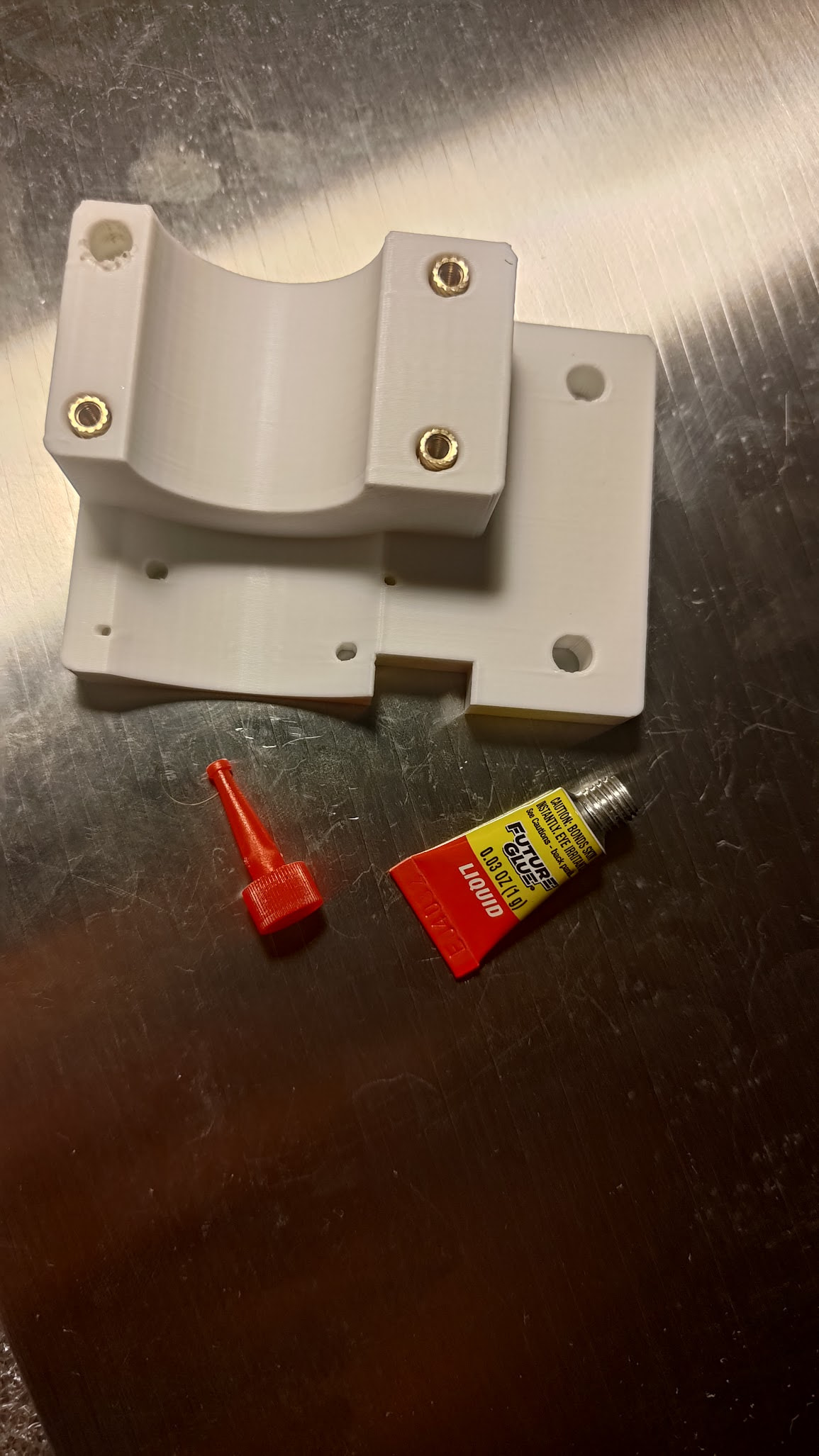
    • It wasn’t clear that heat set inserts and a soldering tip for them were included in the kit - they were hidden in the “electronics/misc” box, so I ordered my own. These didn’t fit quite as well and I had to use some glue in some cases. Of course, I should have reviewed every part of the kit before beginning work, but I didn’t go as deep as opening every box.
      • Glue and too-small heat set inserts
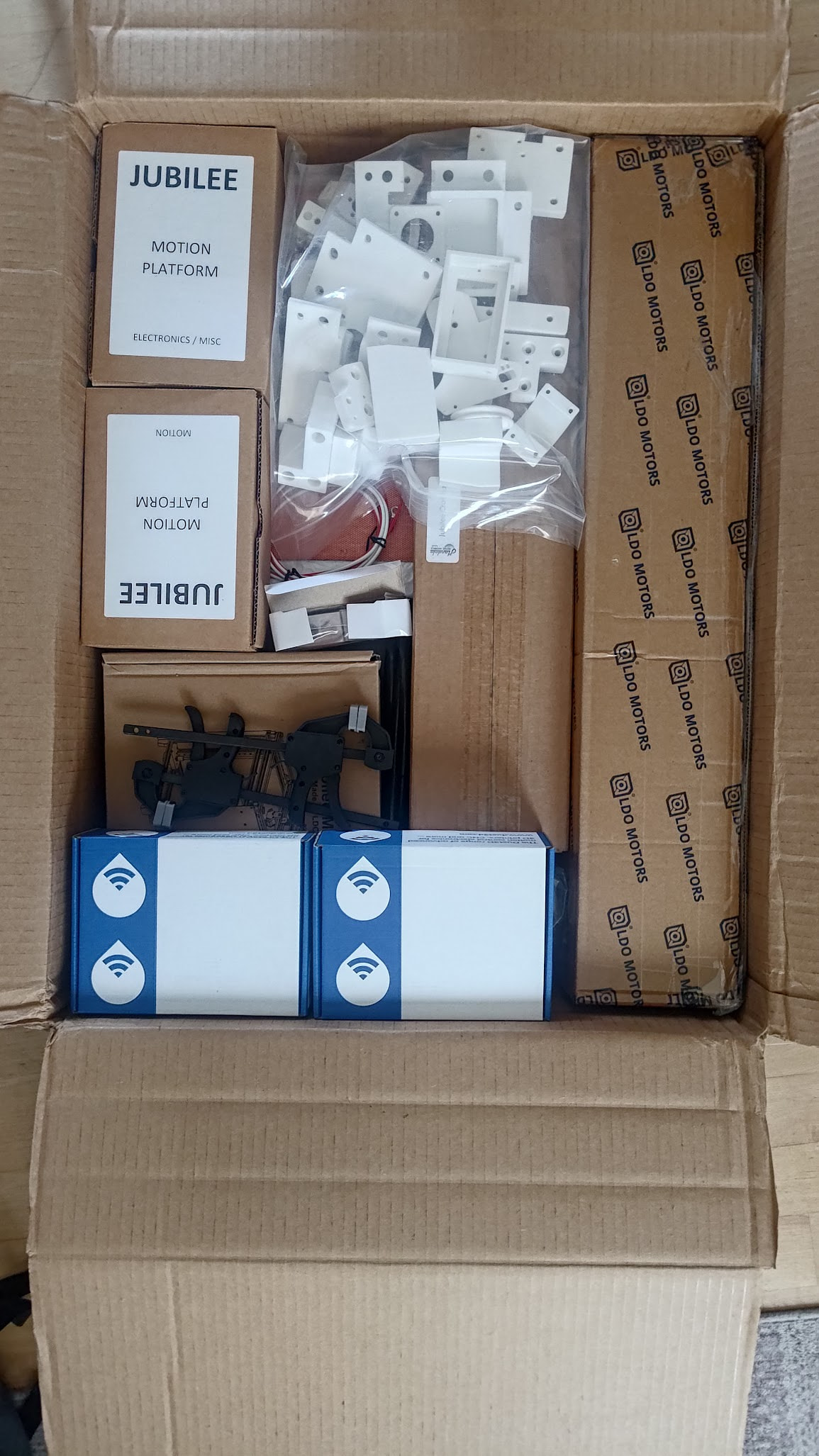
      • An inventory of what’s in the kit would have been helpful, since the documentation isn’t written assuming you’re working from the kit.
    • Kit upon opening the box
  • I appreciated the the assembly instructions link to has several technique guides, like the best way to get a clean fit with heat set inserts. It reminds me of the way an in-person trainer will sometimes show you their technique instead of focusing just on results.
  • I got all the prep done in about 4 hours, including my misadventure trying to find the right heat-set inserts and soldering iron tip when they were already included in the box.
  • I’m a little concerned my glue won’t hold up, but let’s find out!

Frame Assembly

(I had a backlog of notes, so I’m posting several at once)

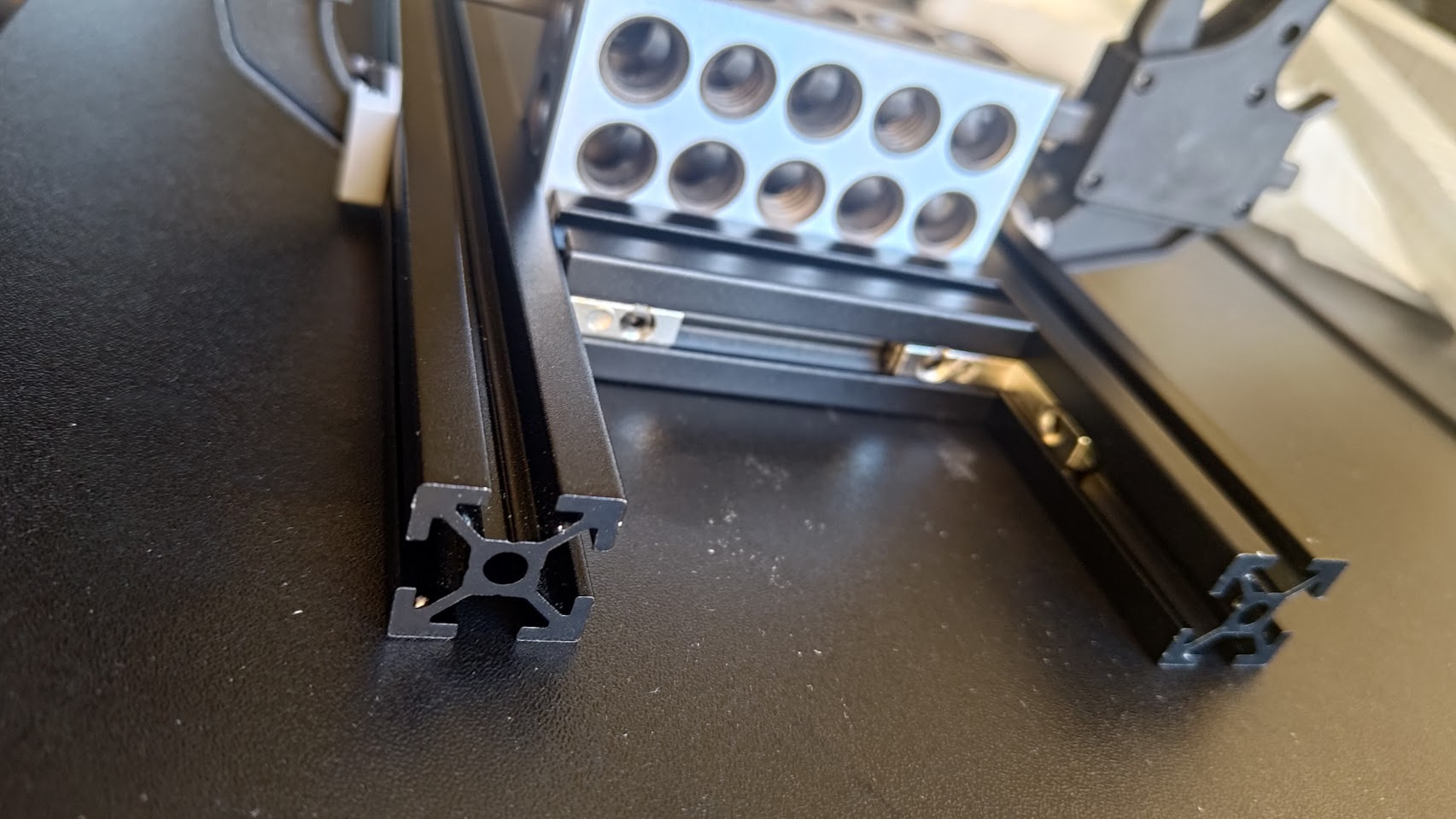
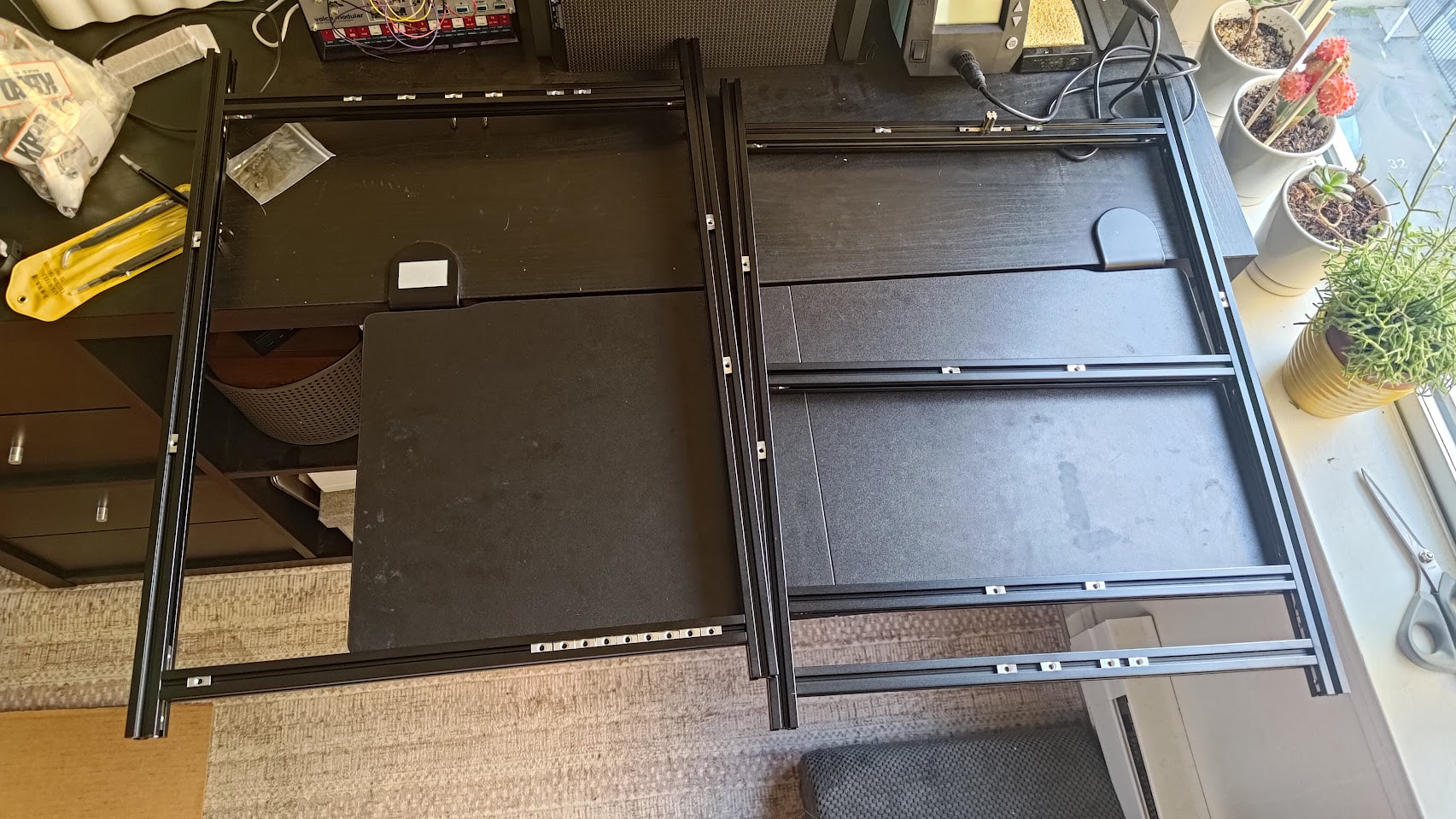
  • Again, it’s really nice how the guide walks you through how to square the frame instead of just saying to make it square. The kit even comes with machinists’ blocks to help with this.

  • The alignment process was a little bespoke and finicky, but after that it’s mostly just sliding T-nuts and brackets onto the extruded aluminum for ~90 minutes.

  • The step-by-step guide is nice, but I think it would have been clearer to me if there was a short header at the beginning explaining what the end goal was. The squaring process involves a lot of connecting and disconnecting parts, which was a little confusing

  • This whole part took about 2.5 hours

Aluminum Motor Plates

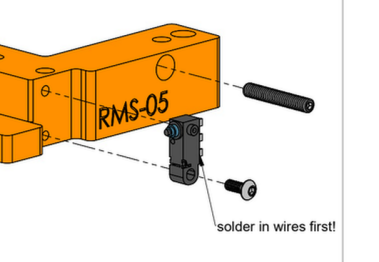
  • The PDF guides are great, and it’s handy that the parts have their part code etched into them. This was the rare case where I didn’t know at all what this “solder in wires first!” part was. It is a limit switch.
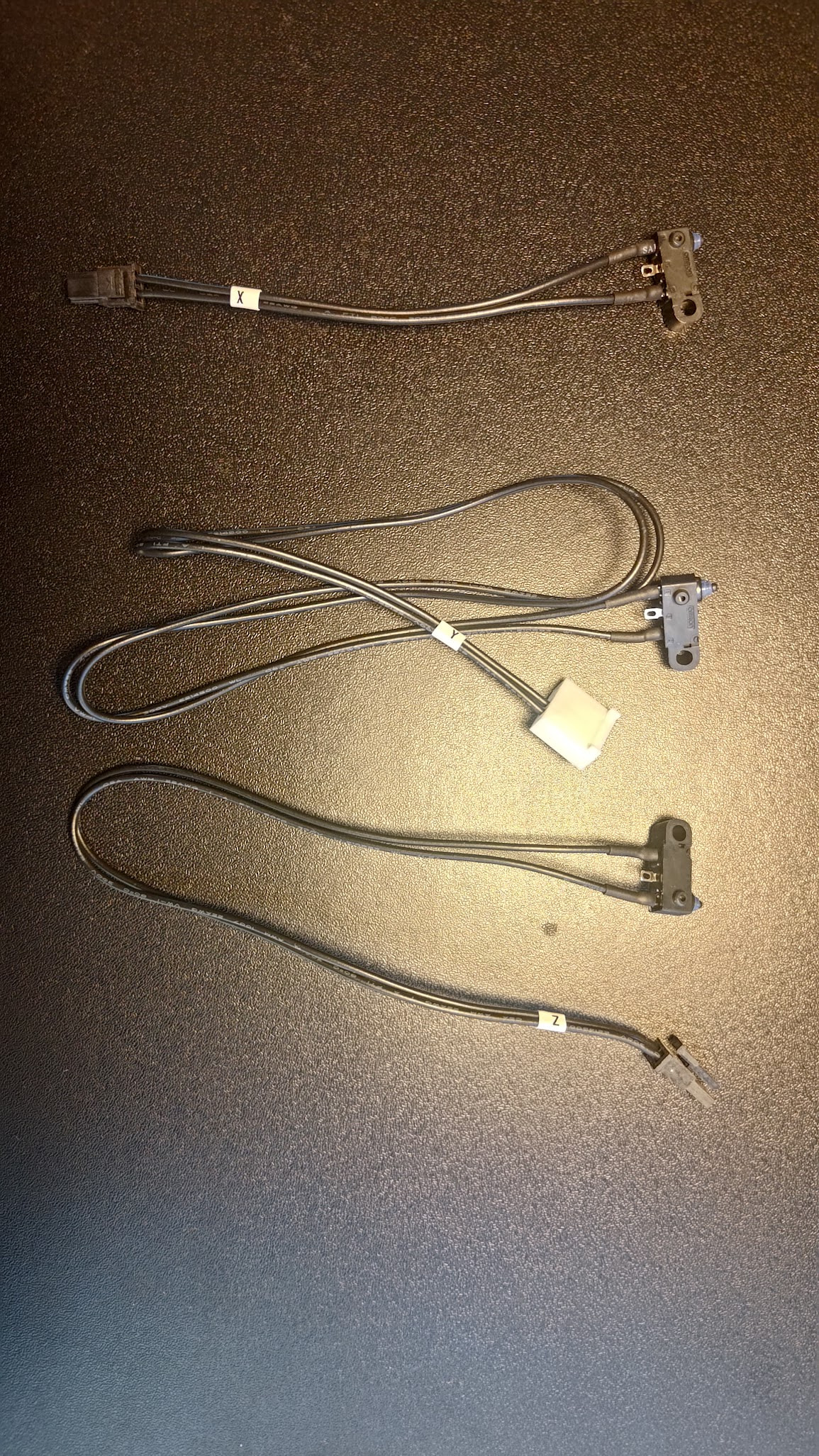
  • Luckily, I found the limit switch in the electronics box, pre-soldered.
    • I worried for a moment that I would use the wrong one - since there are three and the wires are different for each - but the kit labels which axis it belongs to and the item list does as well

    • I wasn’t completely sure I was looking at the right thing until I pressed the switch and felt the characteristic “click”

  • I feel that this would be almost easier if it wasn’t a kit, since I’m familiar with limit switches generally, but not with how this kit works or how this assembly wires them up
  • It feels a bit strange to screw the M3 directly into the plastic. The switch snaps into place, but it feels a little weak. Especially because the way the heatshrink tube was set, I had to bend the wires a little to avoid too much tension on the part
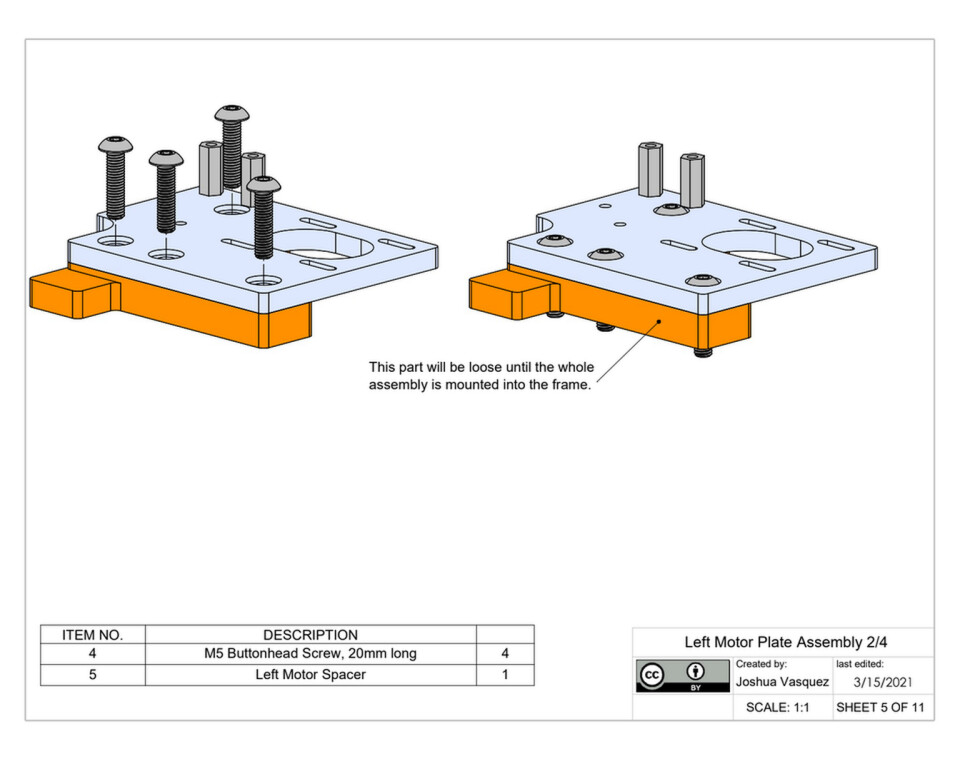
  • This sheet could stand to be a little clearer about what 3D printed park we’re working with
    • Page also called out 16mm shoulder screws, but the apparatus needs a 20mm screw. The kit included a 20mm screw, so it’s all fine. Maybe I’m measuring the screw wrong? But I don’t think so.
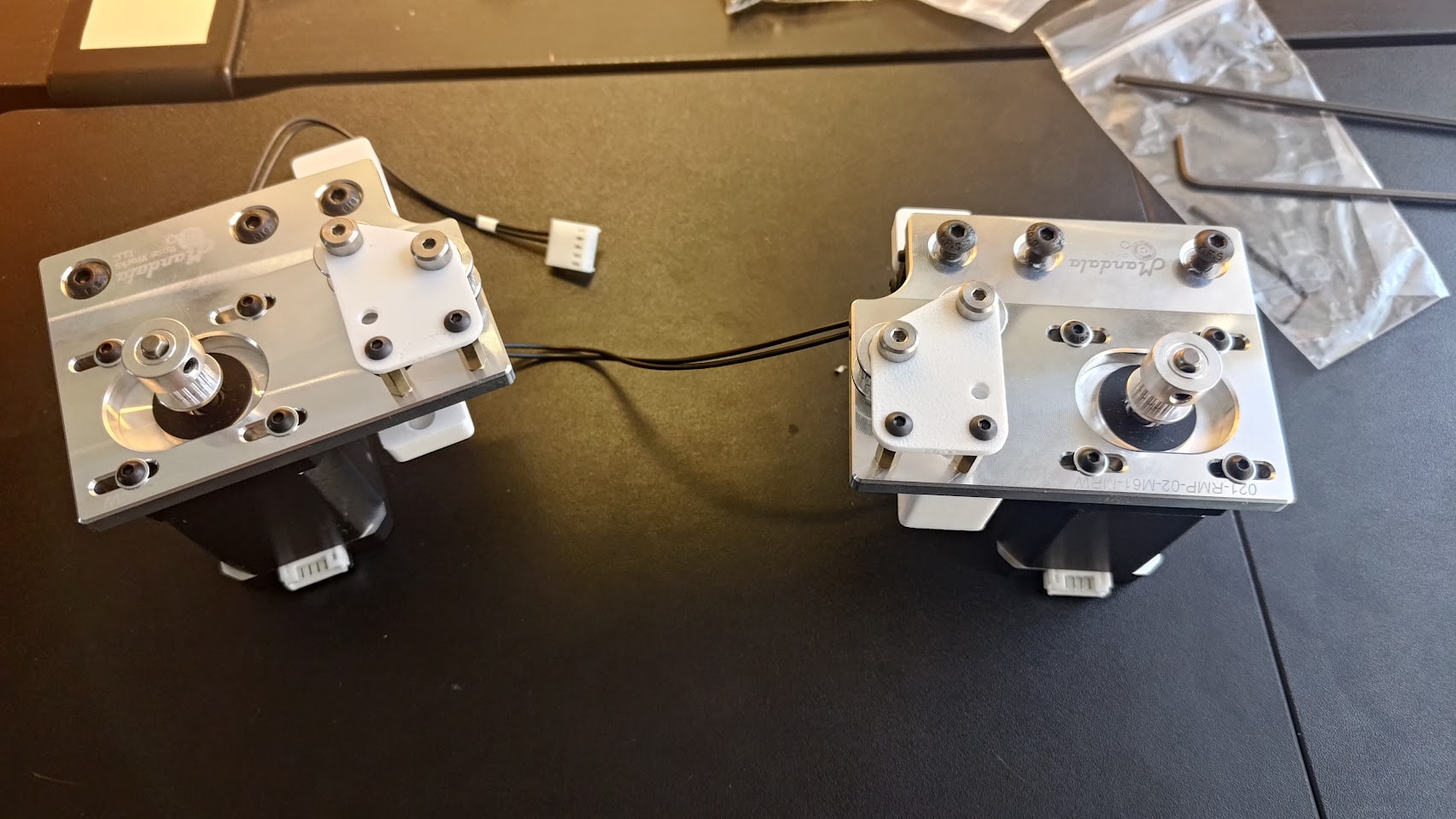
  • Connecting the motor spacer and bracket to the motor should call out the orientation of the motor - unclear which would be the most convenient way to orient the wire harness. I went with them oriented this way.
  • This section took me a little under 2 hours

Pulley Assemblies

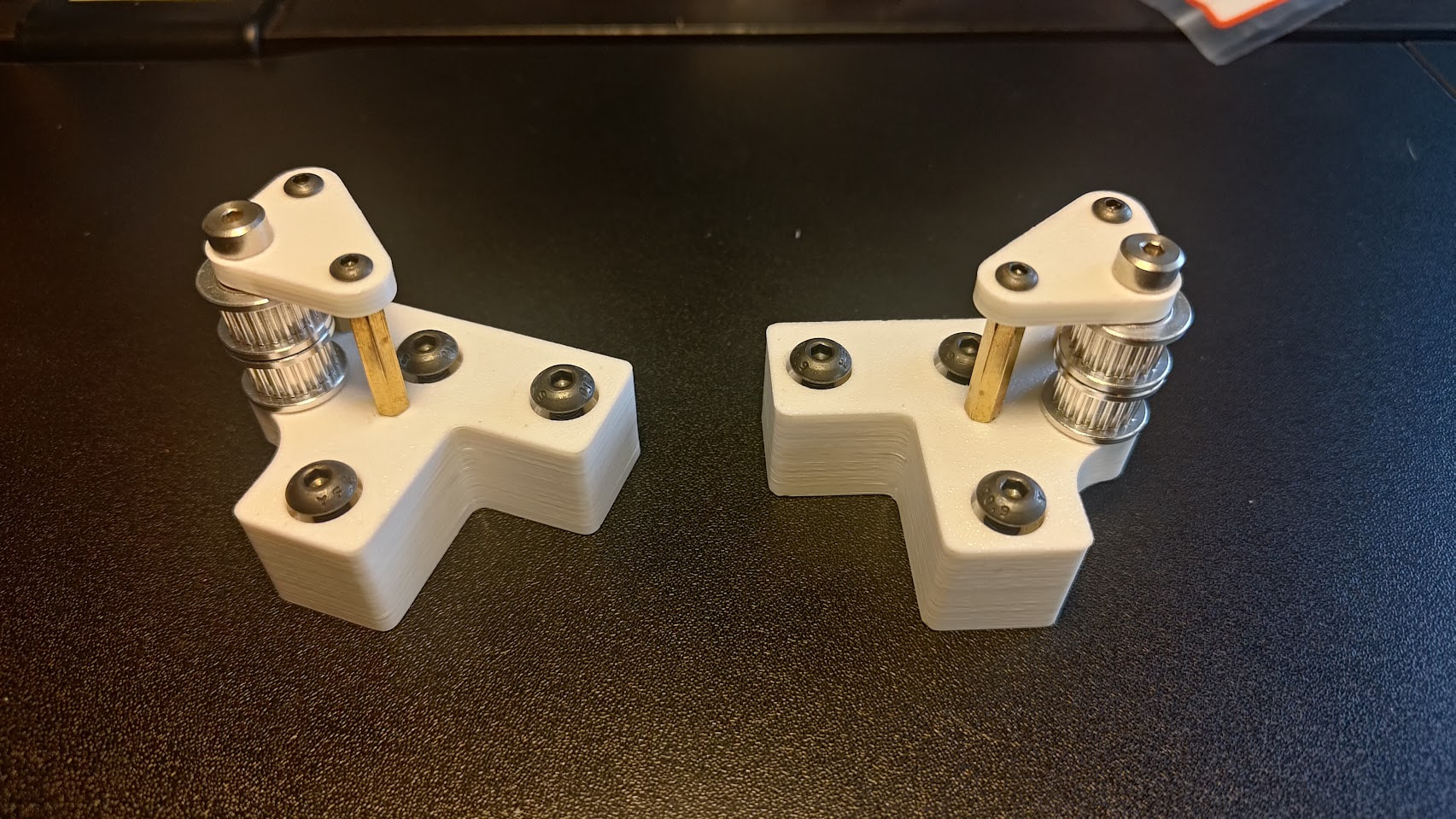
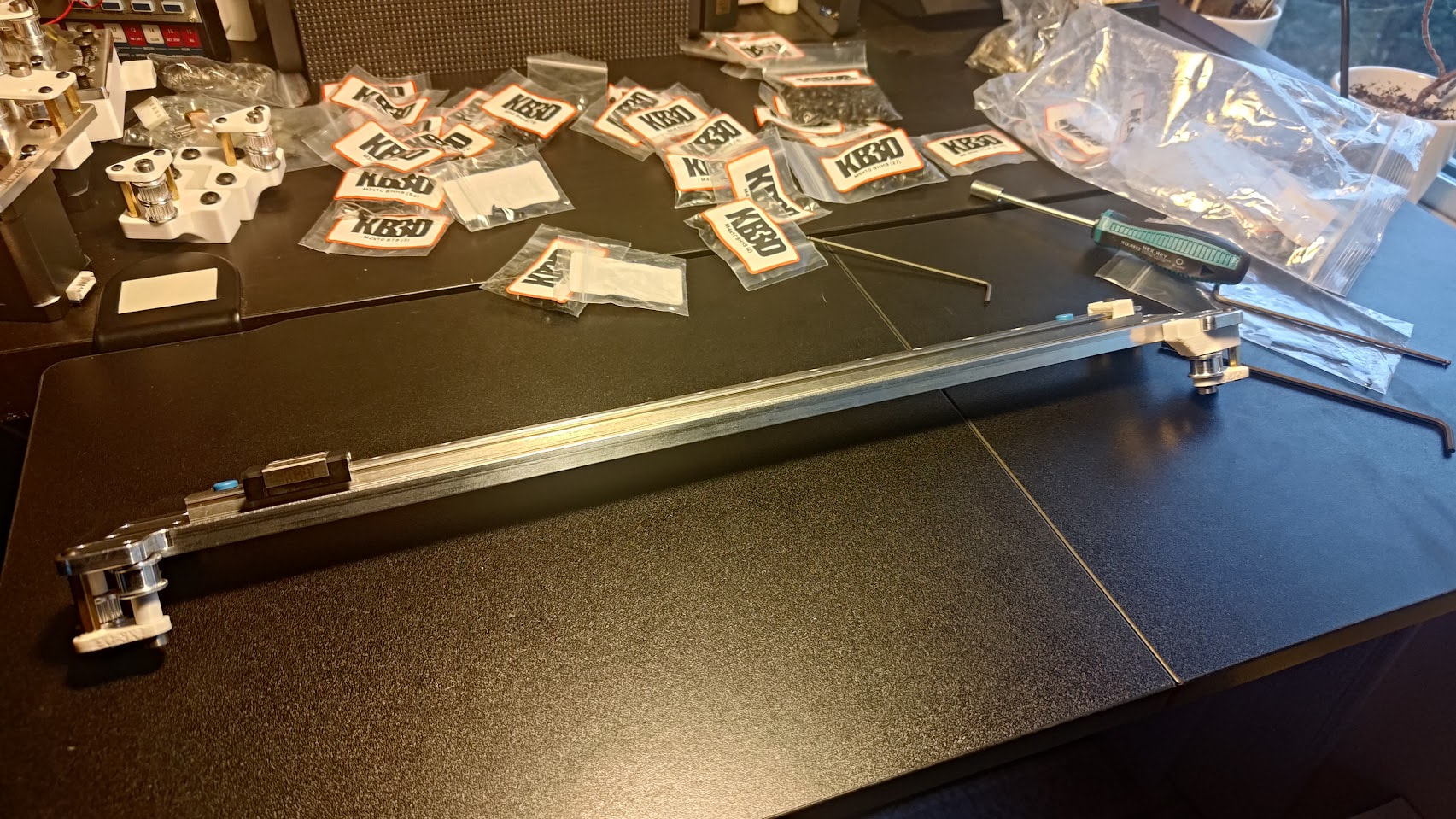
  • This page would be clearer if I had any idea which pulleys came in the kit. I followed the Gates page because the pulleys fit better on the shoulder screw that way. Plus the aspect ratio looked more correct in the Gates page

    image

This took me about 40 minutes. Very clear documentation and the design is intuitive, excepting the one note above. Plus they’re very aesthetic!
Crossbar Assembly

  • The difference between LCR and LXR is pretty subtle. Probably worth a callout

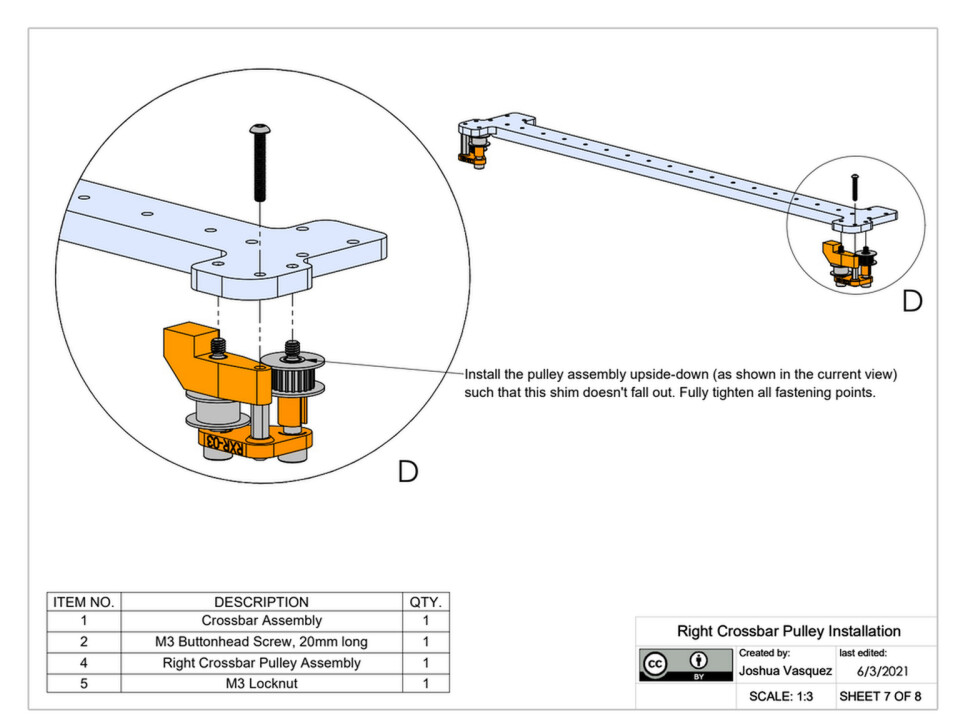
  • I don’t see where the locknut goes. Maybe it’s a typo? I guess I’m going to leave it out

  • I think I just spent 45 minutes on assembling the 16 screws and locknuts to connect the carriage rail with the crossbar. What a pain! I wonder if we could get away with fewer screws or use a difference type of fastener.

    • Or, since the aluminum is machined, maybe a different shape could still be strong but be easier to manipulate a screw and nut around. I still don’t have a good picture of the stressed expected on every part, so I’m not sure if there’s a better design-for-manufacturing here.