Replication Team: DropGen

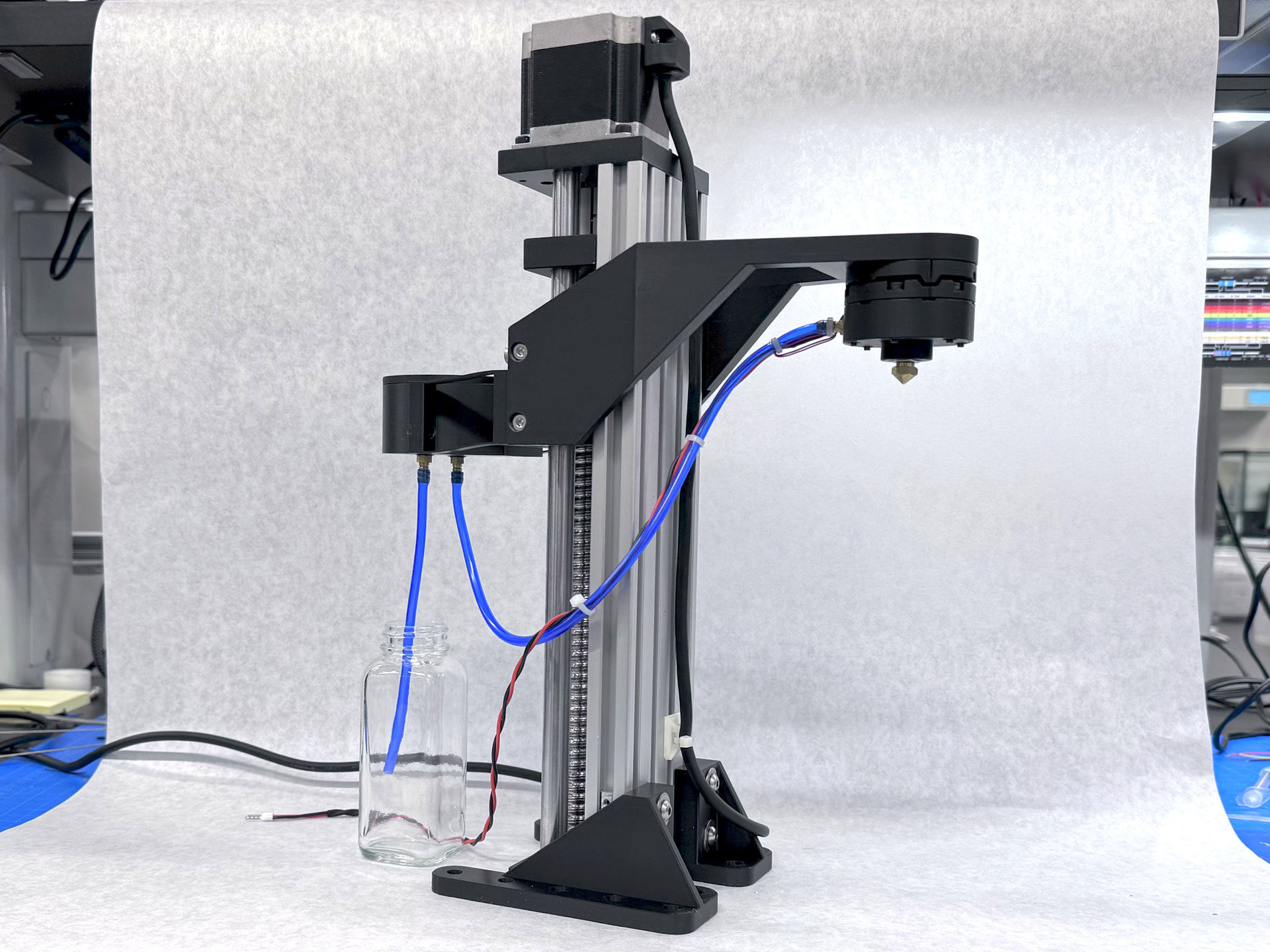
The DropGen is a on demand droplet generator used to make precise are repeatable droplets for liquid surface property measurements. This tool was developed in the Harris lab at Brown.

This is a repetitively simple replication that consists of 3D printed parts, a custom PCB, a piezoelectric buzzer, and liner actuator tower. The total cost this build is around 150 to 200$ depending on what materials you have already on hand.

This project has a well organized repository with a wiki build guild that I will be following for this replication.

3 Likes

Yes! So nice to see one of the Harris lab tools on here - they’re a wonderful team.

3 Likes

BOM and PCB

Most of the parts that are listed of this project are listed in the wiki guild. There is not a fully documented BOM so I had to got through each section of the build guild and compile all the items I needed to order.

A majority of the hardware I could find from either Amazon, McMaster Carr, and DigiKey.

The list of required parts includes some hyperlinks but is missing a majority of them. Most of the missing links are simple enough to find through the McMasterCarr website. Here are links to some parts that I used that differed from the BOM or took extra effort to find a suitable match.

3 10-24 to 1/8 inch barb

1 Compression spring 9/32" x 3/4" or similar

1 dual inline pin (DIP) 16 pin socket (DigiKey)

1 Piezo-Electric Disc 35mm diameter

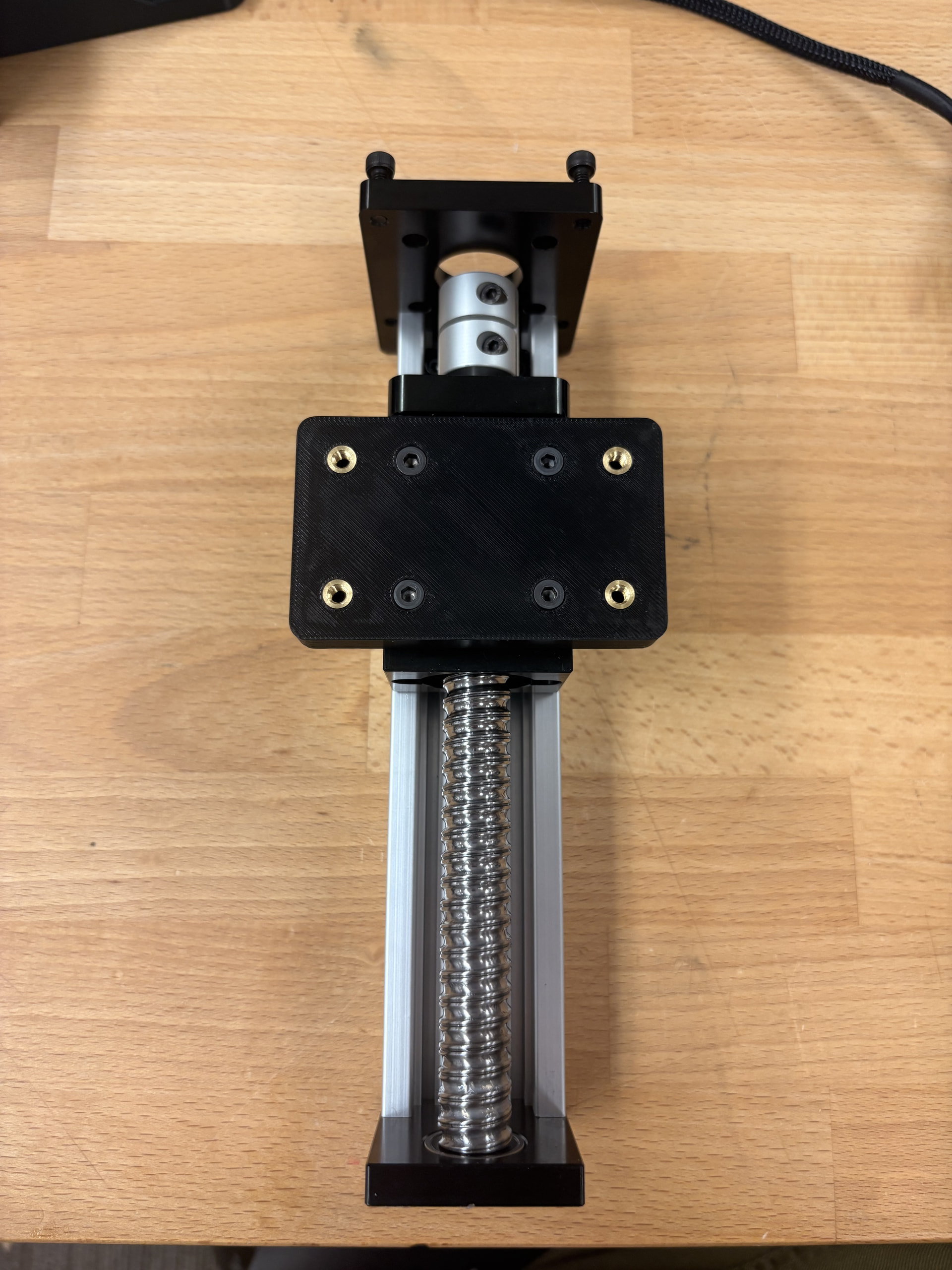
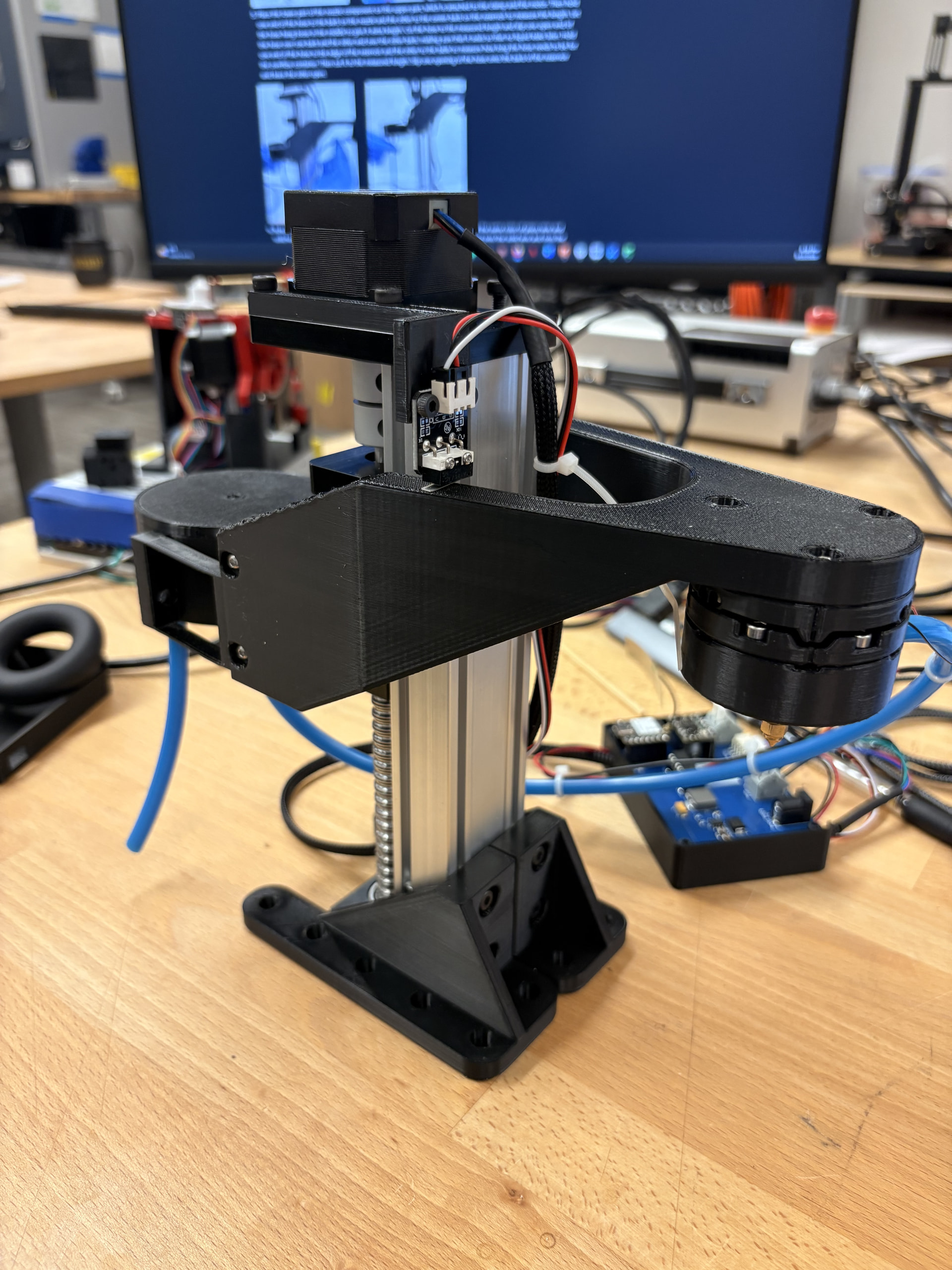
An item that was left of the BOM was the Linear actuator tower that the DropGen rig is mounted to. I assume that they did not included to allow the builder to use whatever mount they want. That being said, the 3D printed components are configured around the specific linear actuator tower they used. It looks like they used this tower, but I am not sure. The repo has included all of the raw Fusion 360 files which I assume is to edit the hardware designs to fit any linear actuator tower. I used this tower from amazon that was much cheaper than the one they potentially used.

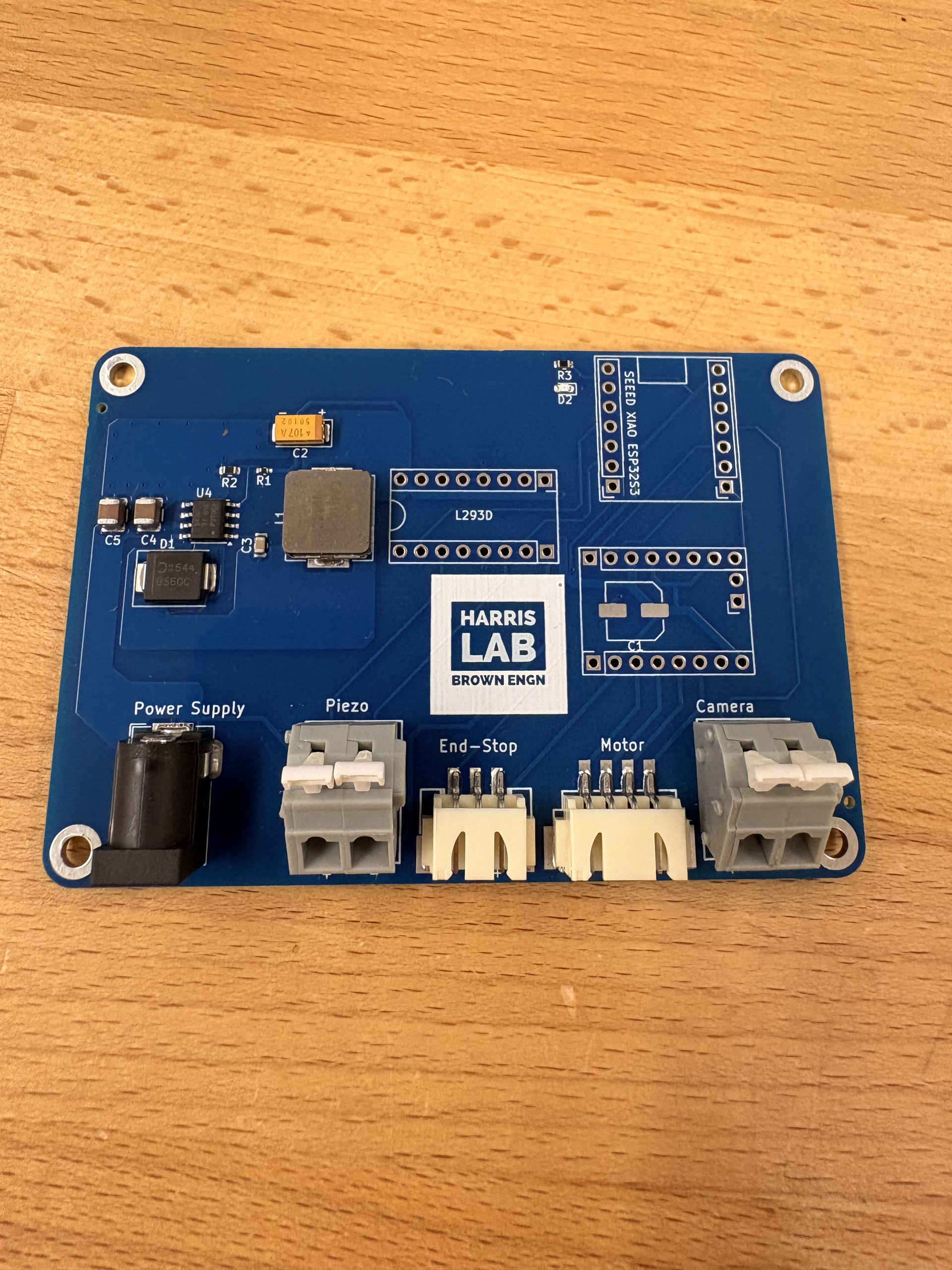
The wiki has instructions on how to order the custom PCB through JLCPCB and I found the instructions easy to follow. I opted for the LeadFree HASL surface finish rather than the HASL with lead.

The first issue I had with the instructions was after I had uploaded the BOM and CLP files.

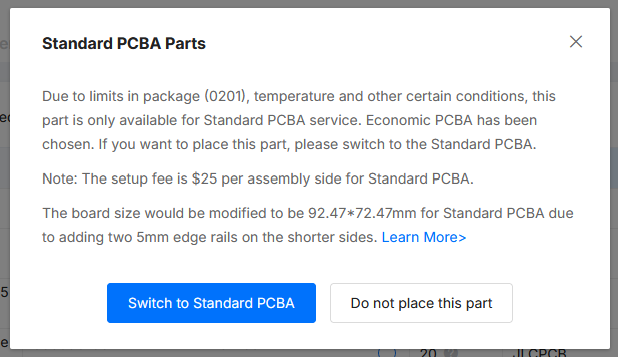
The 100uF capacitor designated C1 will only be assembled as a “Standard PCBA” and cost an additional 25$. I opted to not include this part and ordered my own through Digikey and soldered it myself.

As of this post (9/17/26) components J1 and R1 are out of stock and required me to find replacements.

In the wiki guild, U1, U2, and U3 are parts that are unmatched. But, with the current BOM and CLP files, U2 and U3 are included. U2 is the stepper motor control board (TMC2209 SilentStepStick) and U3 is the L293D. This should be purchased separately and removed along with U1.

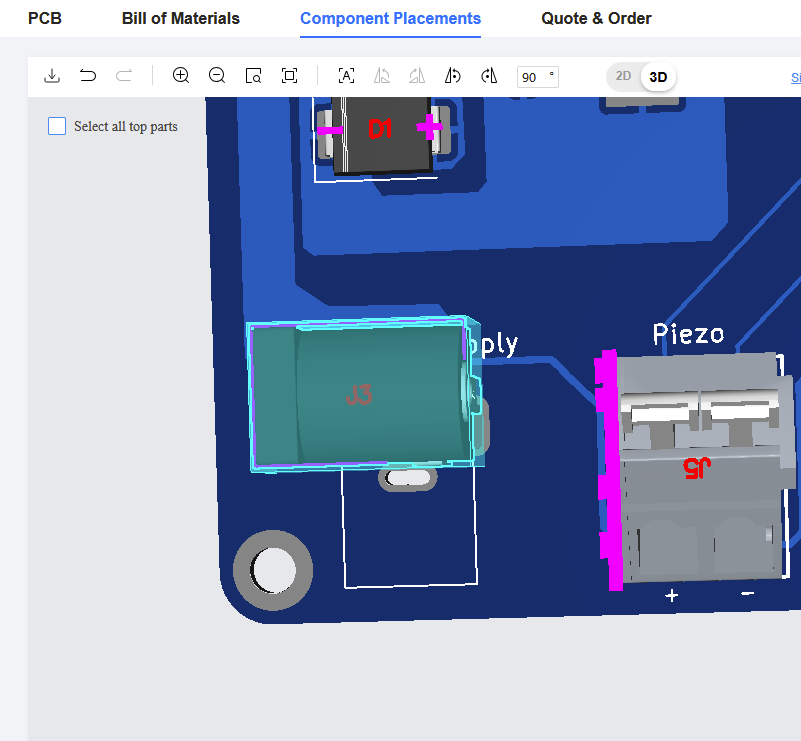
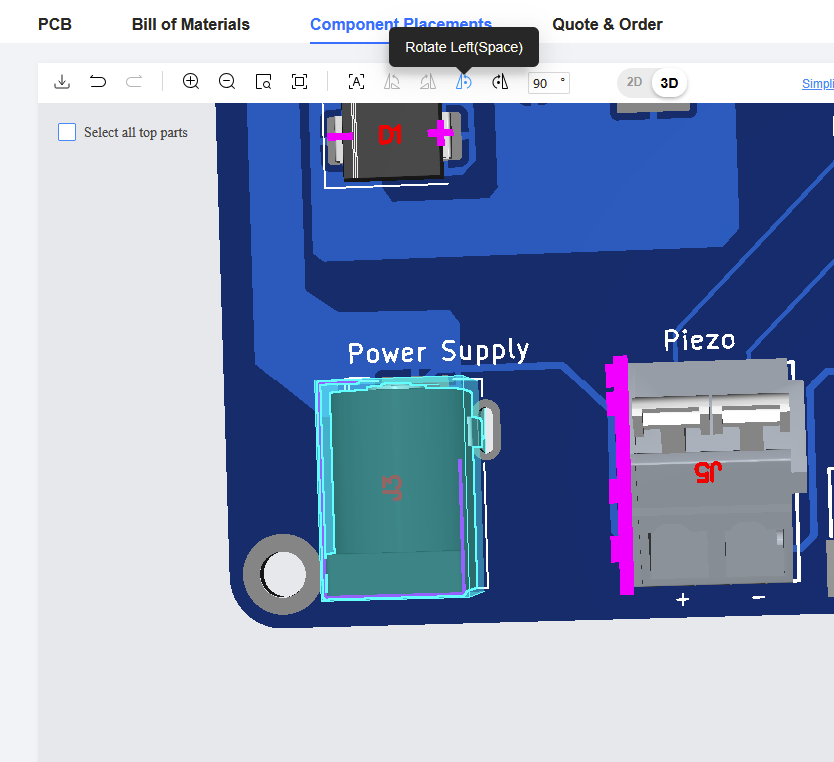
The last thing to mention is to check the orientation of the components in the preview window. My J3 power supply barrel jack was rotated 90 degrees. You can rotate parts by highlighting them and using the rotate tool in the top task bar.
Mechanical Assembly

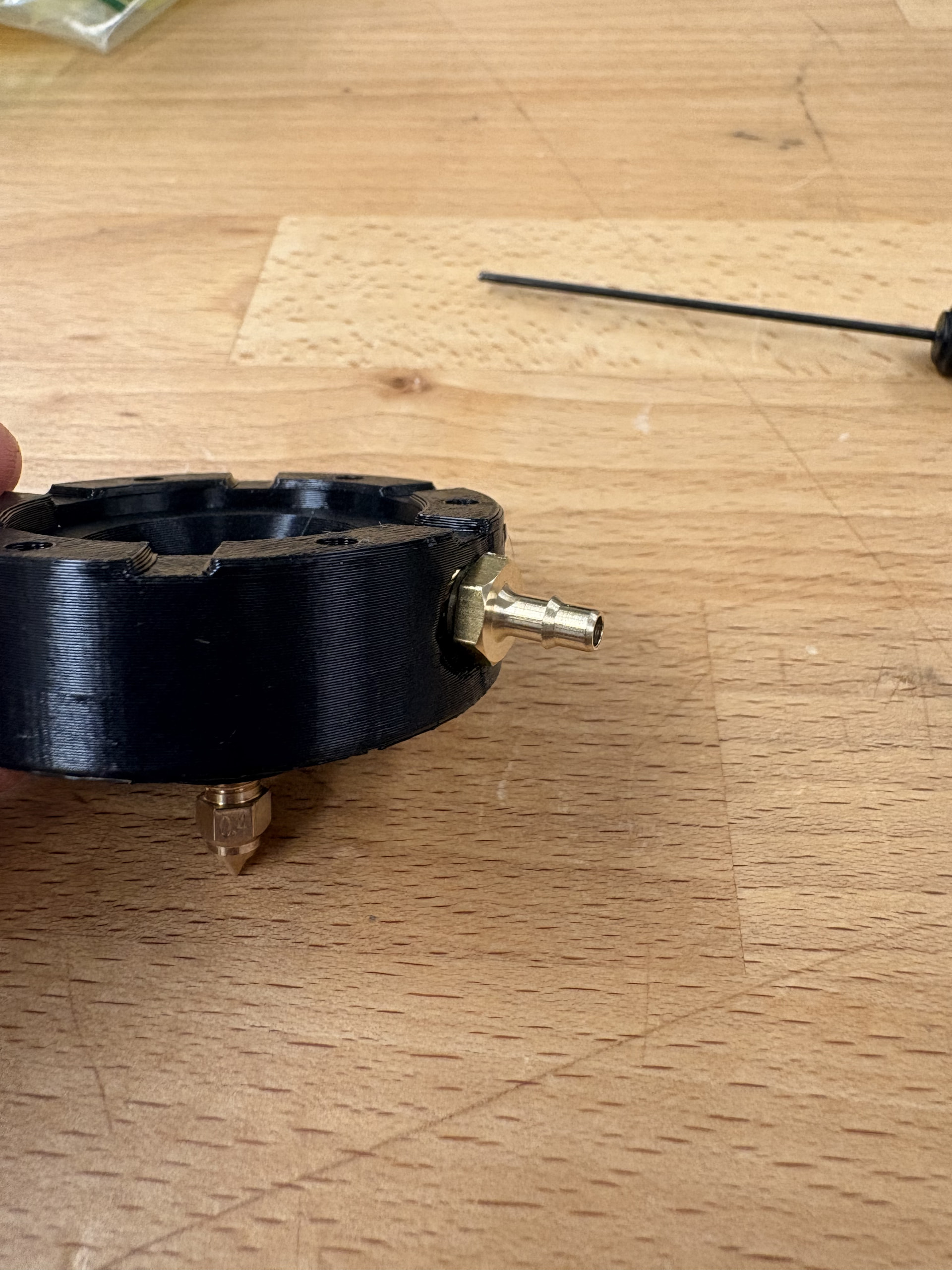
I was able to 3D print the DropGen parts on two separate build plates over the course of 2 days. The assembly instructions on the wiki provide clear, detailed instructions. However, I did run into a few discrepancy/ tolerance issues while assembling the hardware.

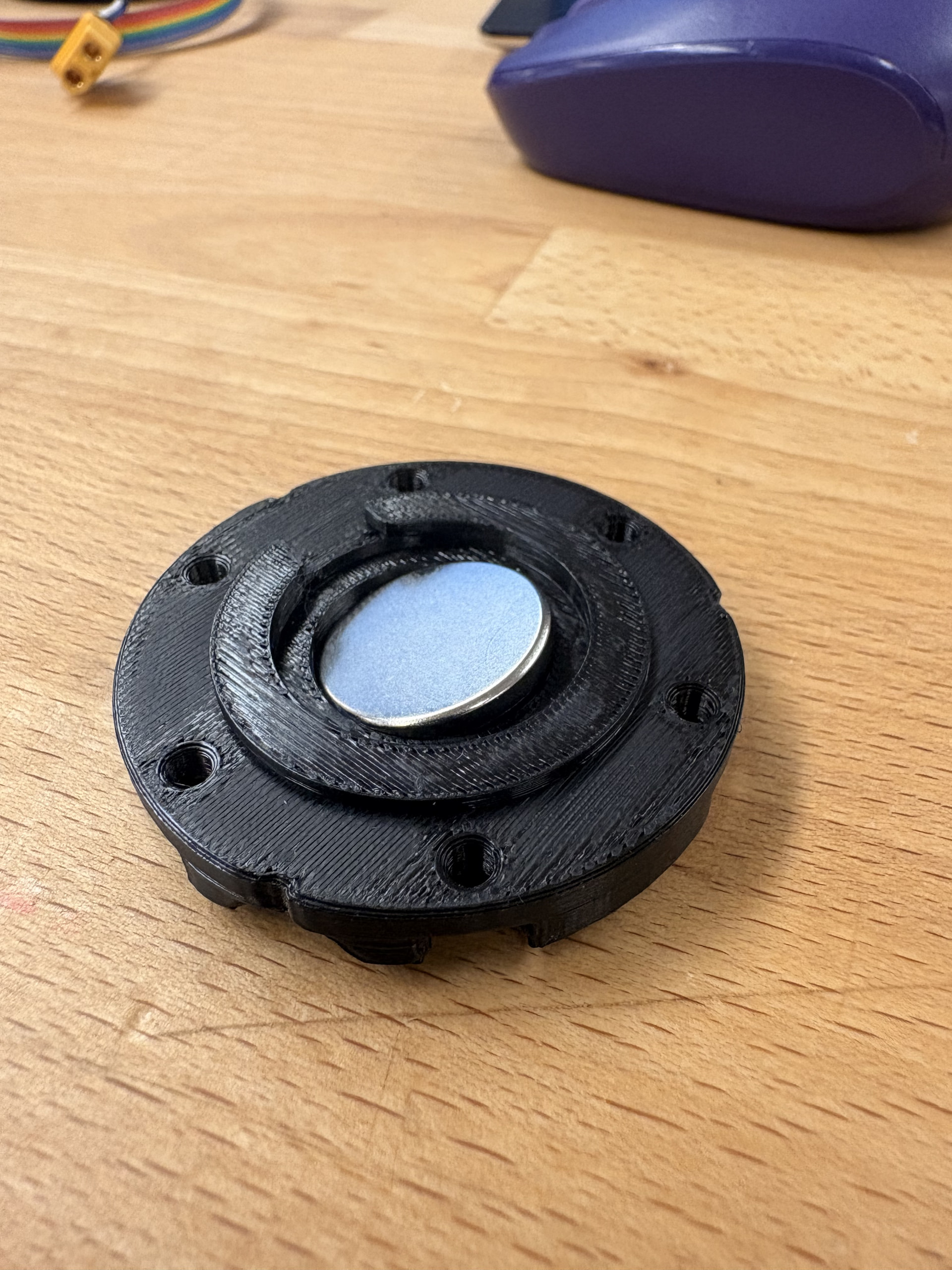
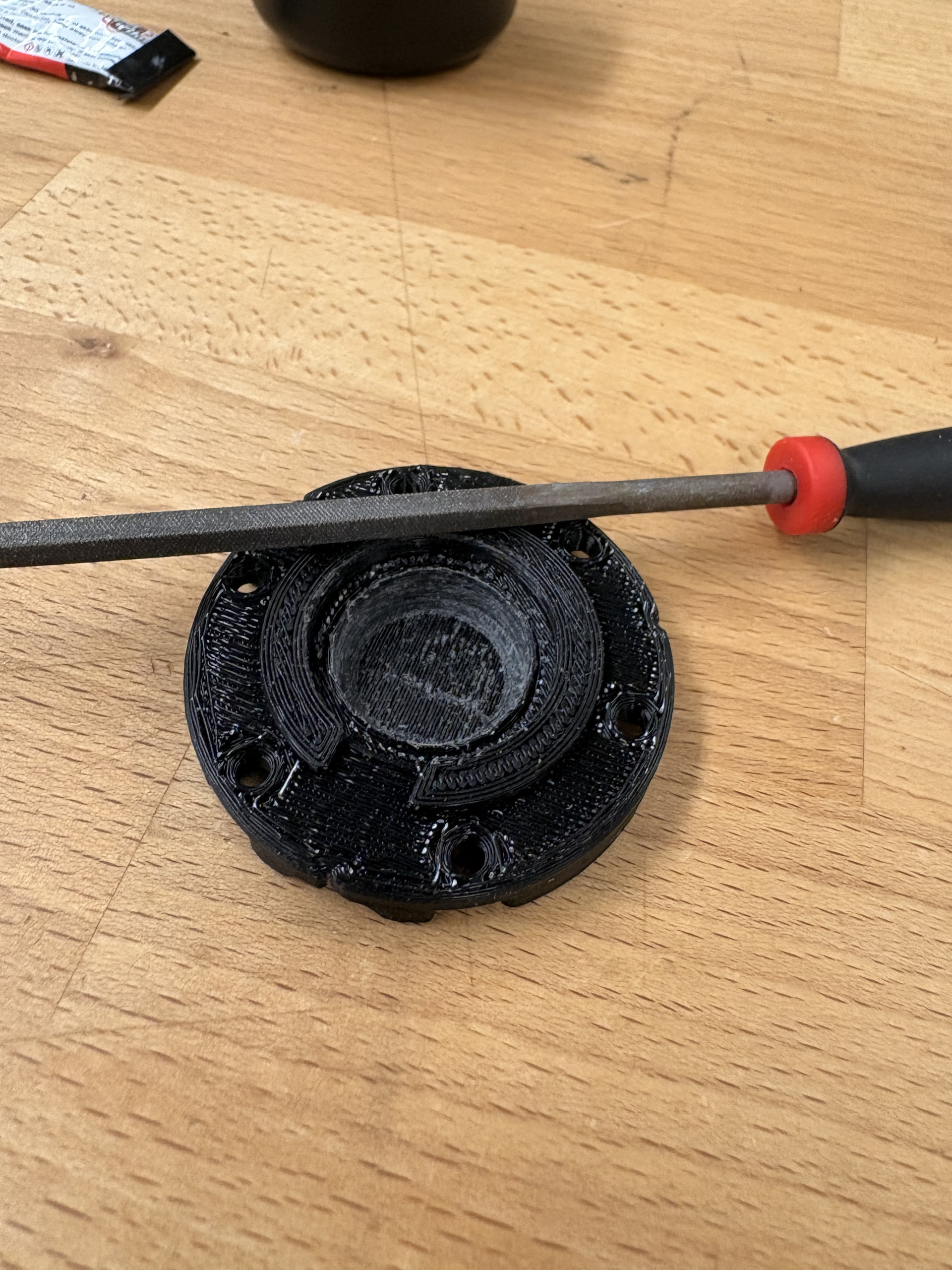
The 20x3mm magnets that I ordered were too large to fit in the dropgen_lower and dropgen_mount 3D printed parts. I used a file to increase the diameter of the hole to fit the magnet into the lower part. For the mount part, I ended up editing the STL file directly and reprinted the part.

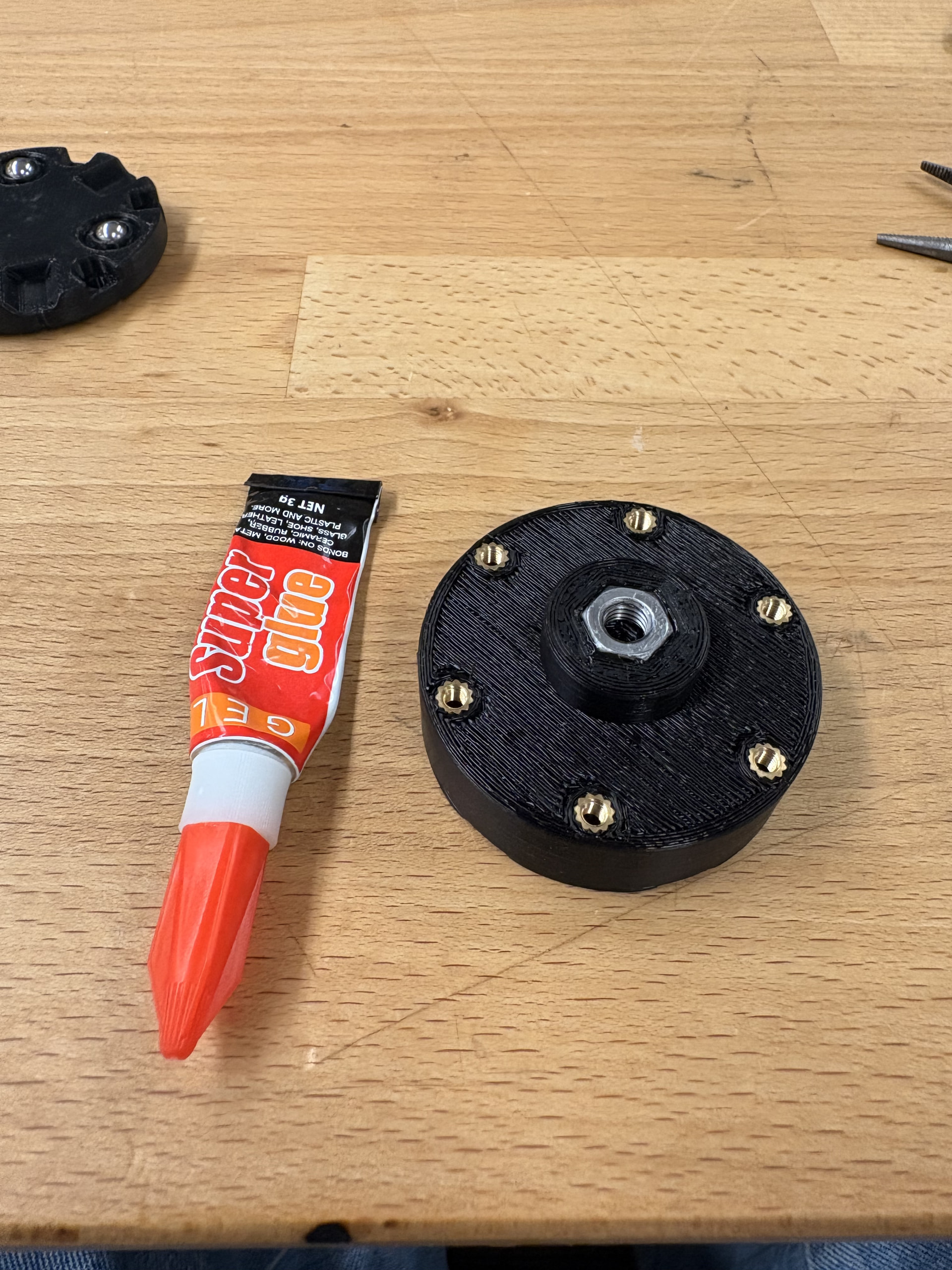
Similarly, the M6 hexbolt that I ordered was too small to snugly fit into the dropgen lower part of the nozzle component. I ended up using super glue to secure the hexnut.

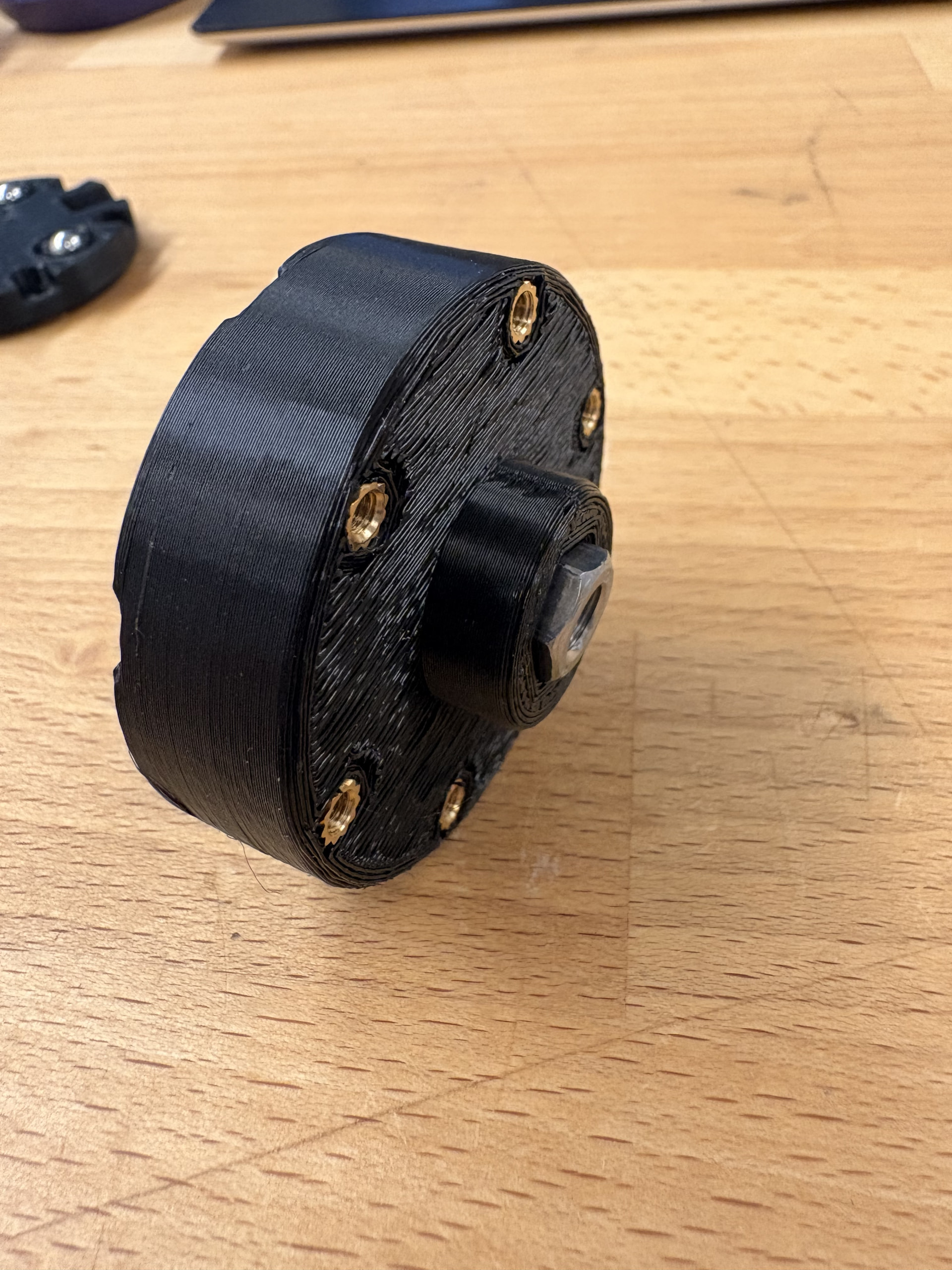
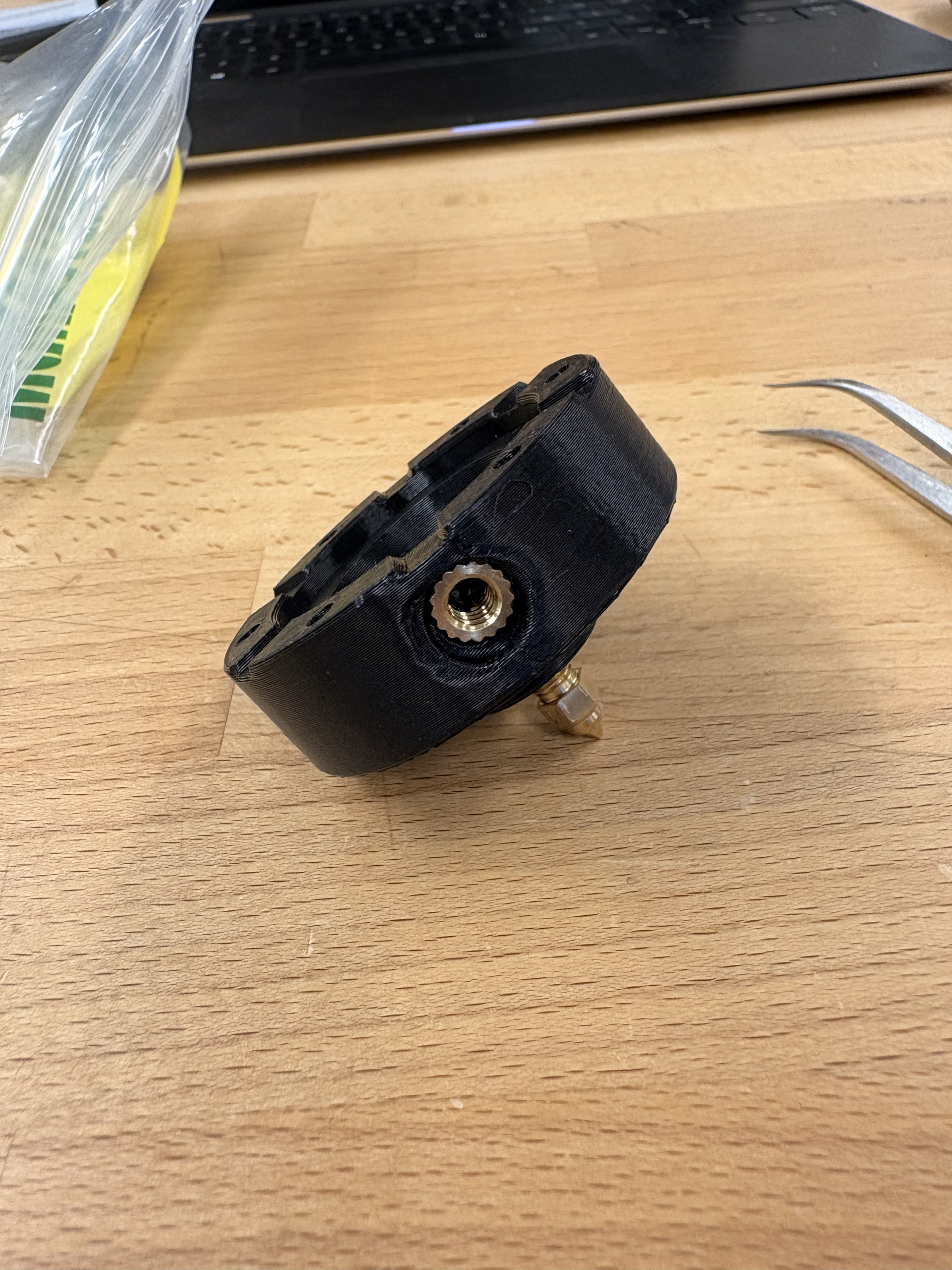
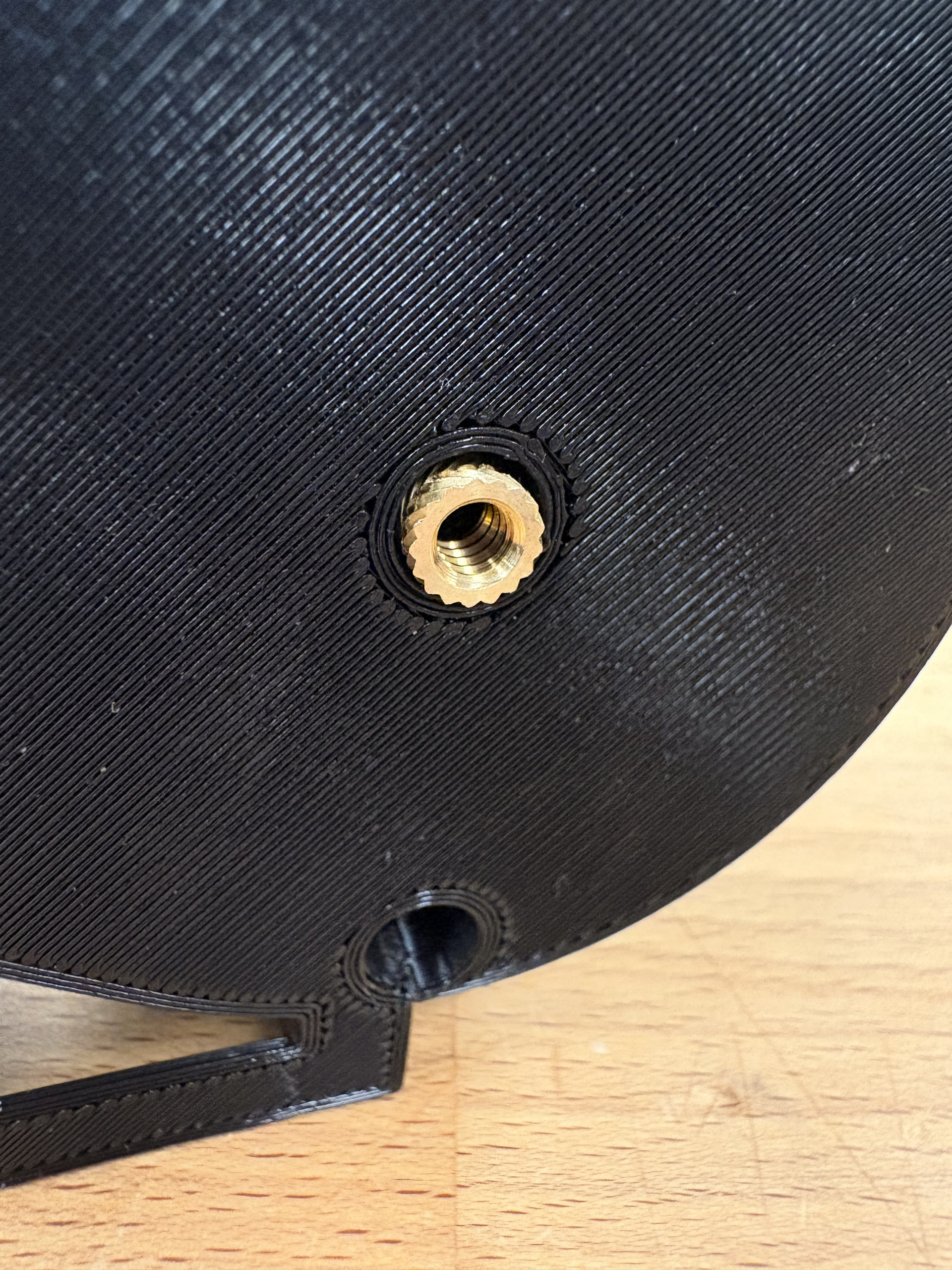
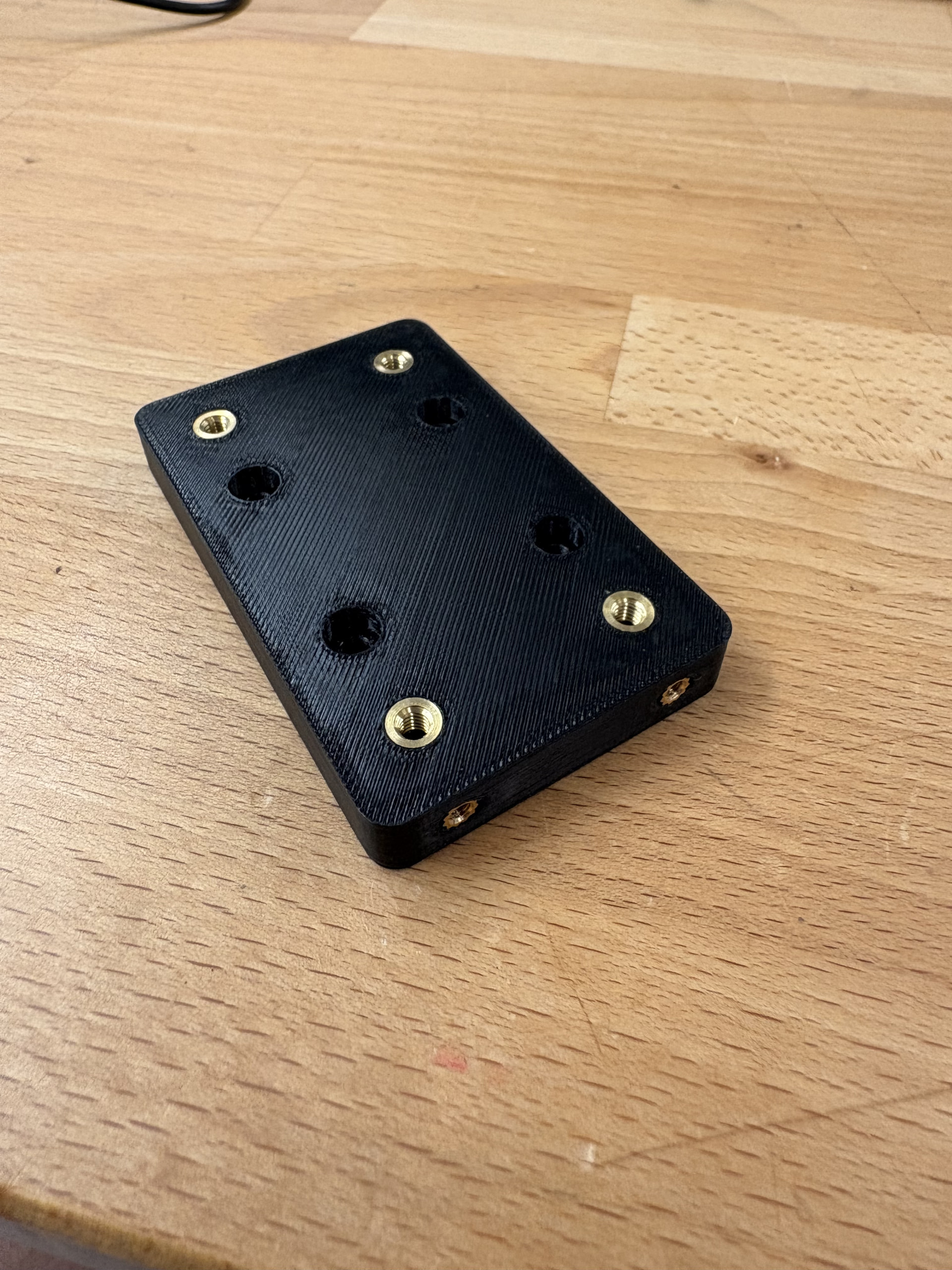
Step 7 calls for a 10-24 hand- held screw tap to add threads to the side hole in the 3D printed dropgen lower part. A screw tap was not listed as a tool that was needed for this build so I would recommend adding it to your BOM. I personally was skeptical of the seal that this would provide so I opted to widen the hole slightly and add a 10-24 heat insert.

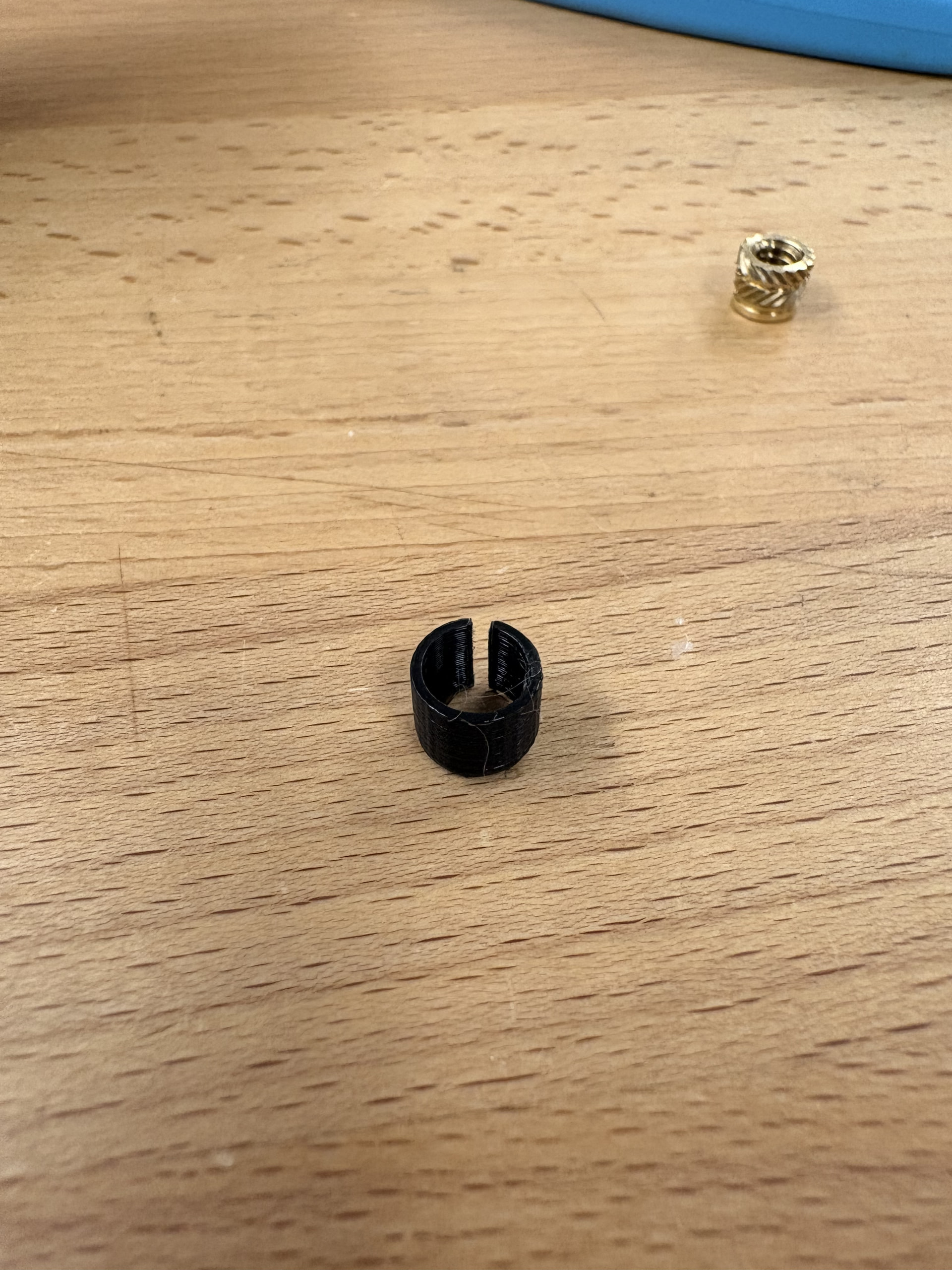
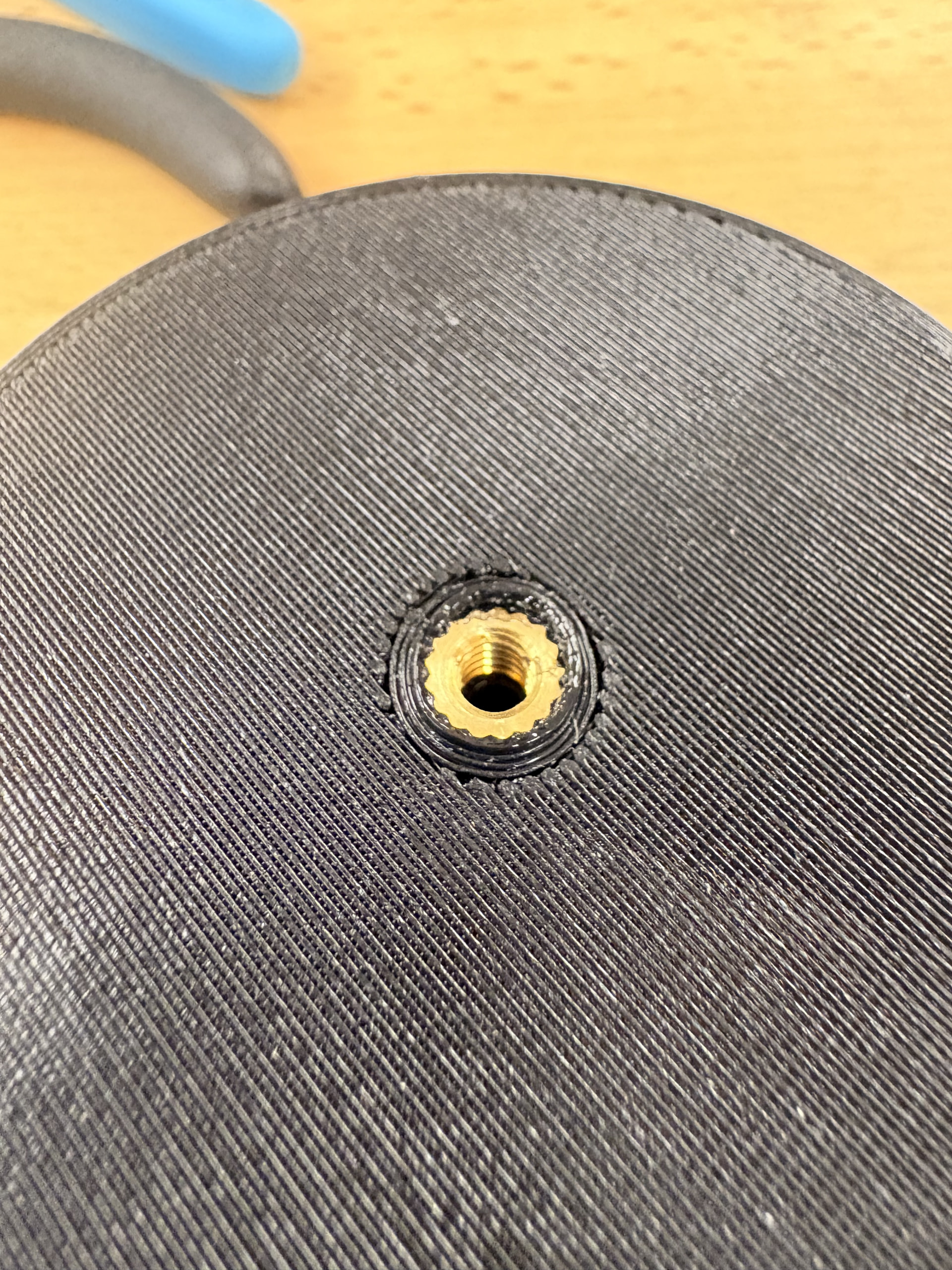
When I was assembling the reservoir, the 10-24 heat inserts that I ordered were too small for the holes they needed to go in. instead of printing a new reservoir, I printed small sleeves and glued them in the hole to resize them to the correct diameter.

Overall there were a lot of tolerance differences between the hardware and the 3D components. I would highly recommend obtaining all of your hardware before any 3D printing. Since all of the Fusion 360 file are uploaded on the repo, you can resize all of the hardware features to fit the tolerances of the hardware you have rather than all of the workarounds that I had to go through.

Mechanical Assembly Cont.

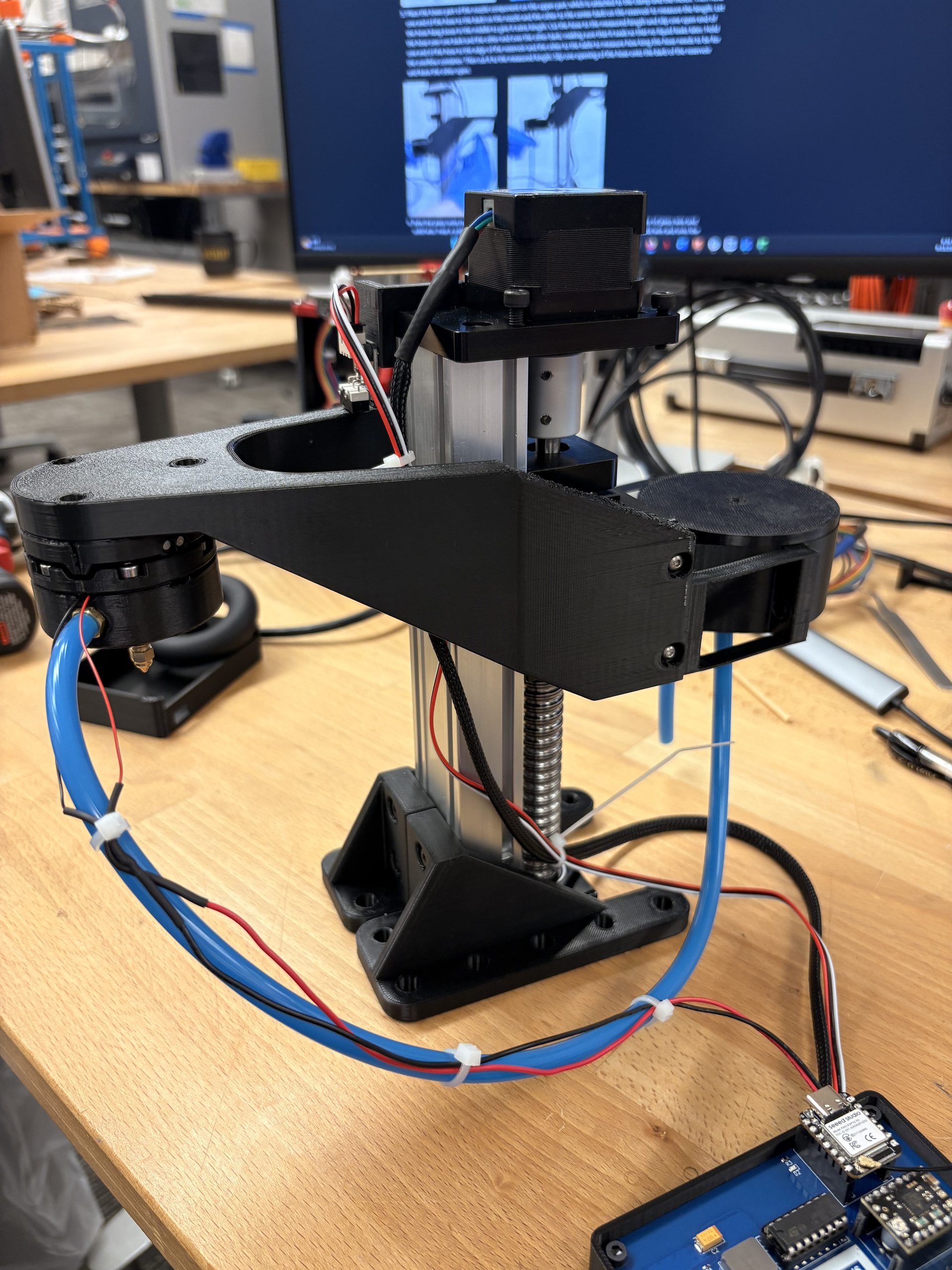
After I assembled the 3 part nozzle and the reservoir, I need to attach them to my stepper motor tower. Since I am using a different tower than the one the 3D parts are modeled after, I needed make alterations and design some additional parts.

The mount bracket and reservoir were designed to attach to a much wider base than the one I was using. I opted to make an adapter that attaches to my tower and mimics the tower base that the parts were modeled after. I chose this route over editing the CAD files because I had already printed out the original mount and reservoir and wanted to save filament and time. I used the Fusion 360 assembly to get accurate measurements for hole alignment.

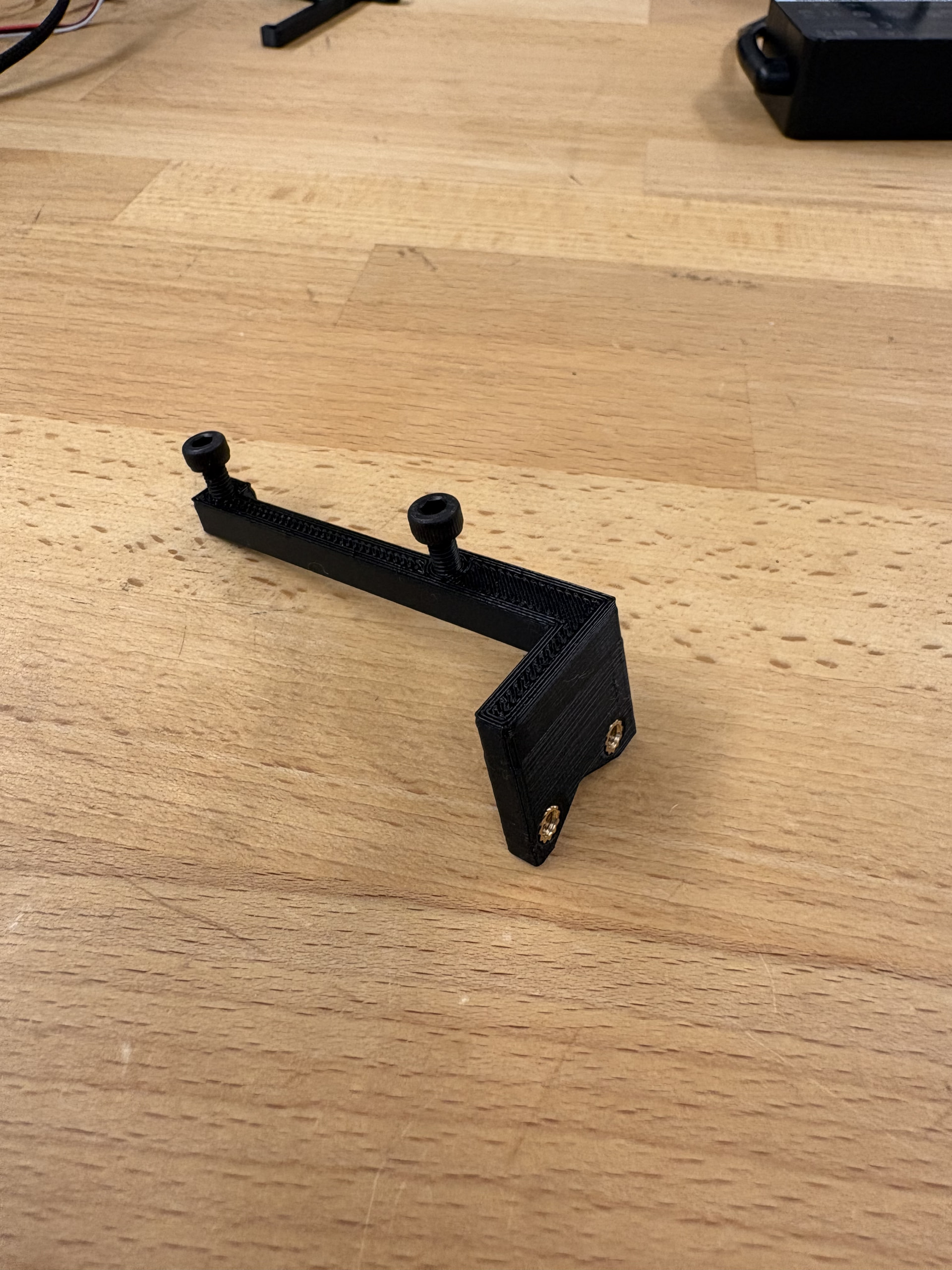
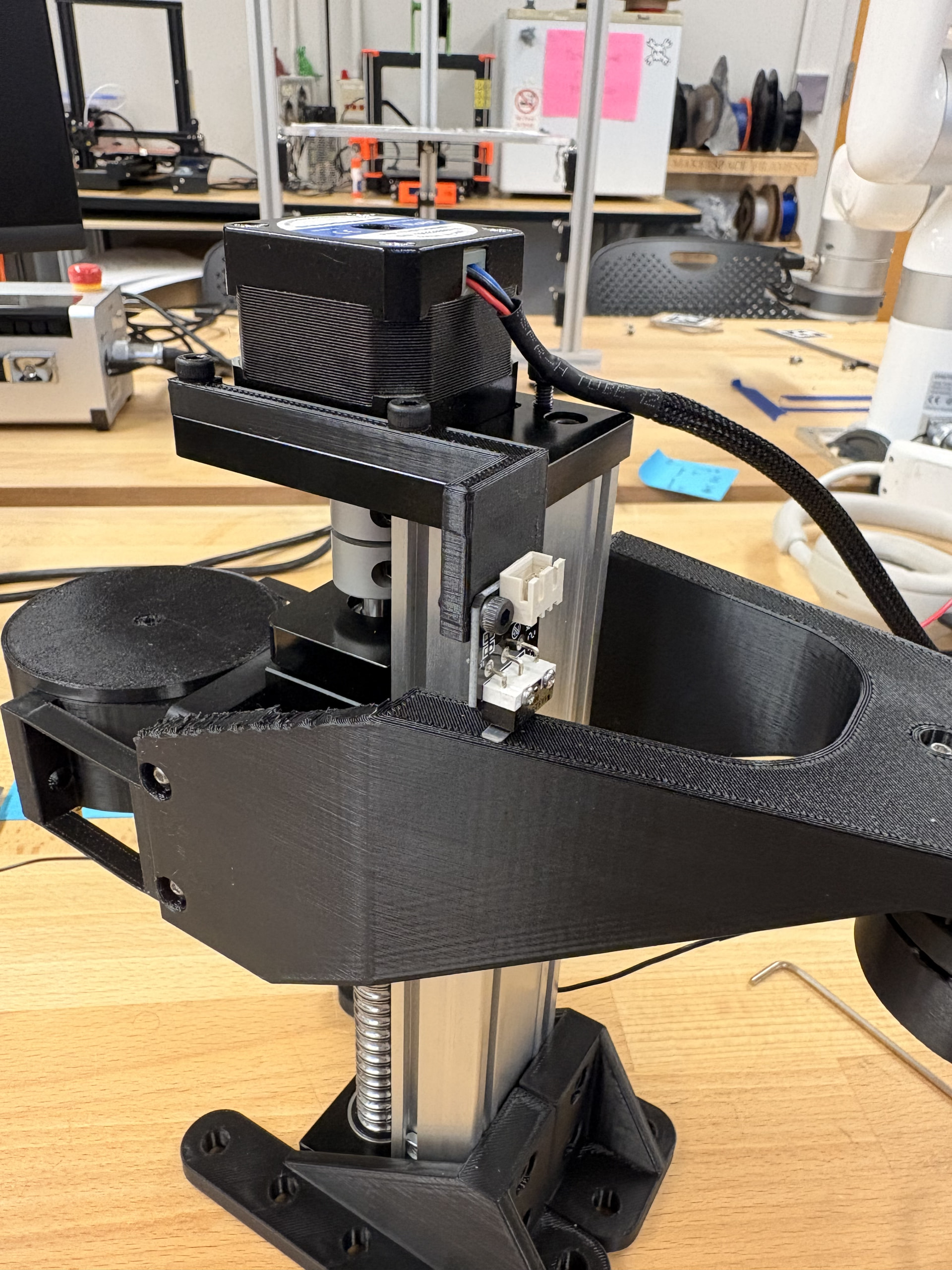
Since my tower was much skinnier than the tower the dropgen was modeled after, there was no spot to attach the endstop so that it would contact the mounting bracket. I utilized a pair of screw holes on the top of my tower to make a 3D printed mounting bracket to attach the endstop to.

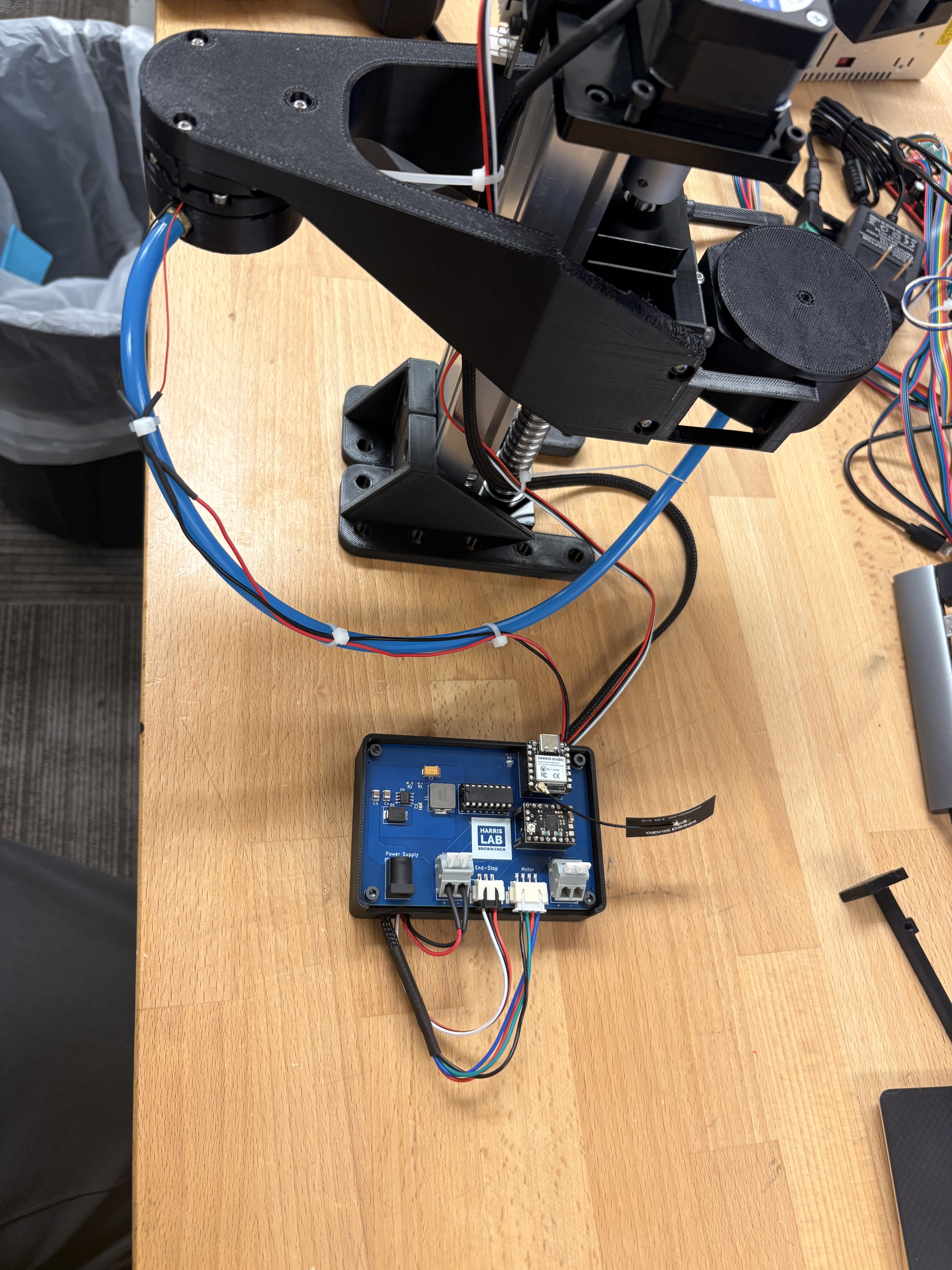
I proceed to attach the hoses and wired the piezoelectric connection to finish out the mechanical assembly.

Electrical/ PCB

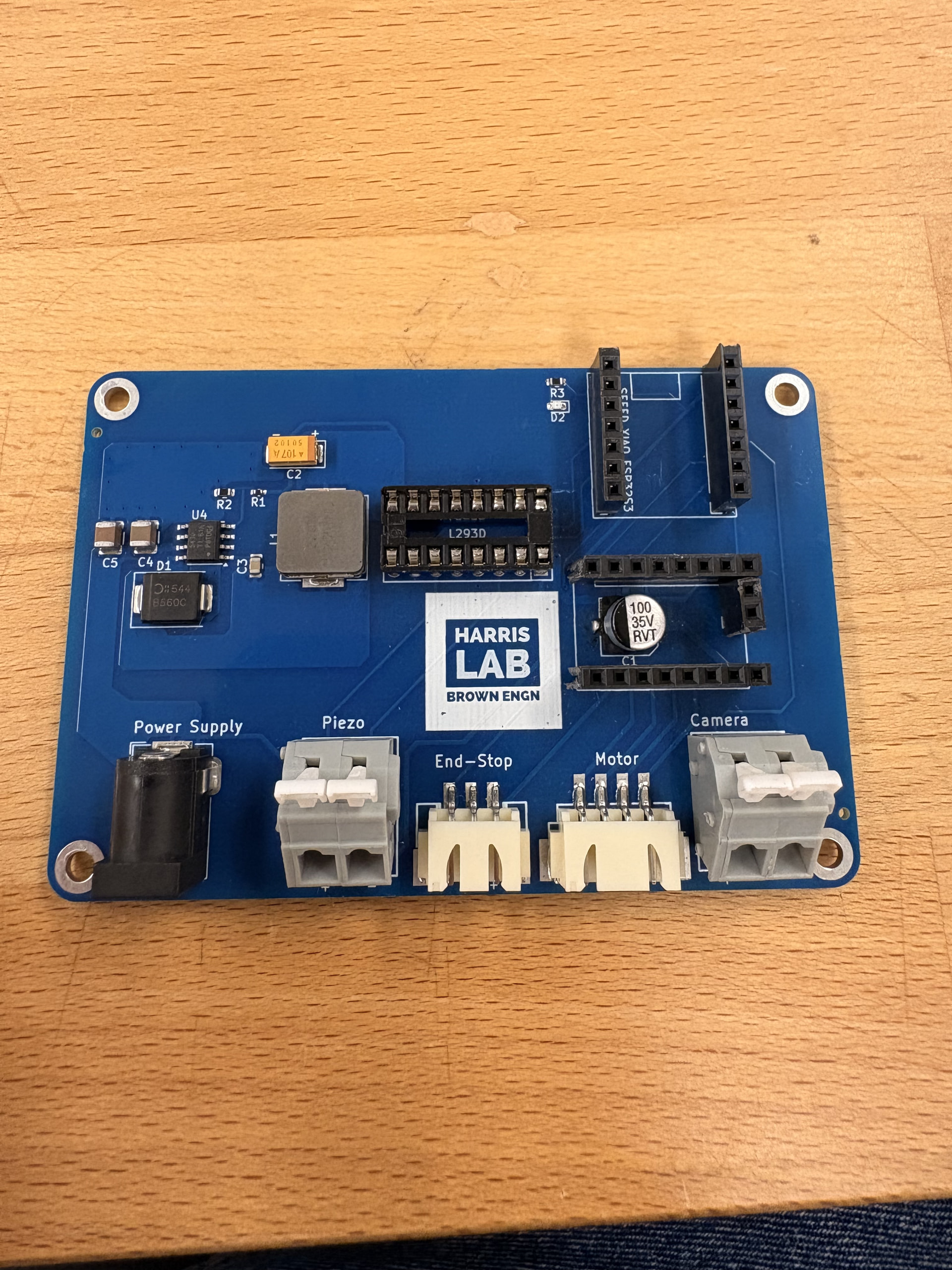
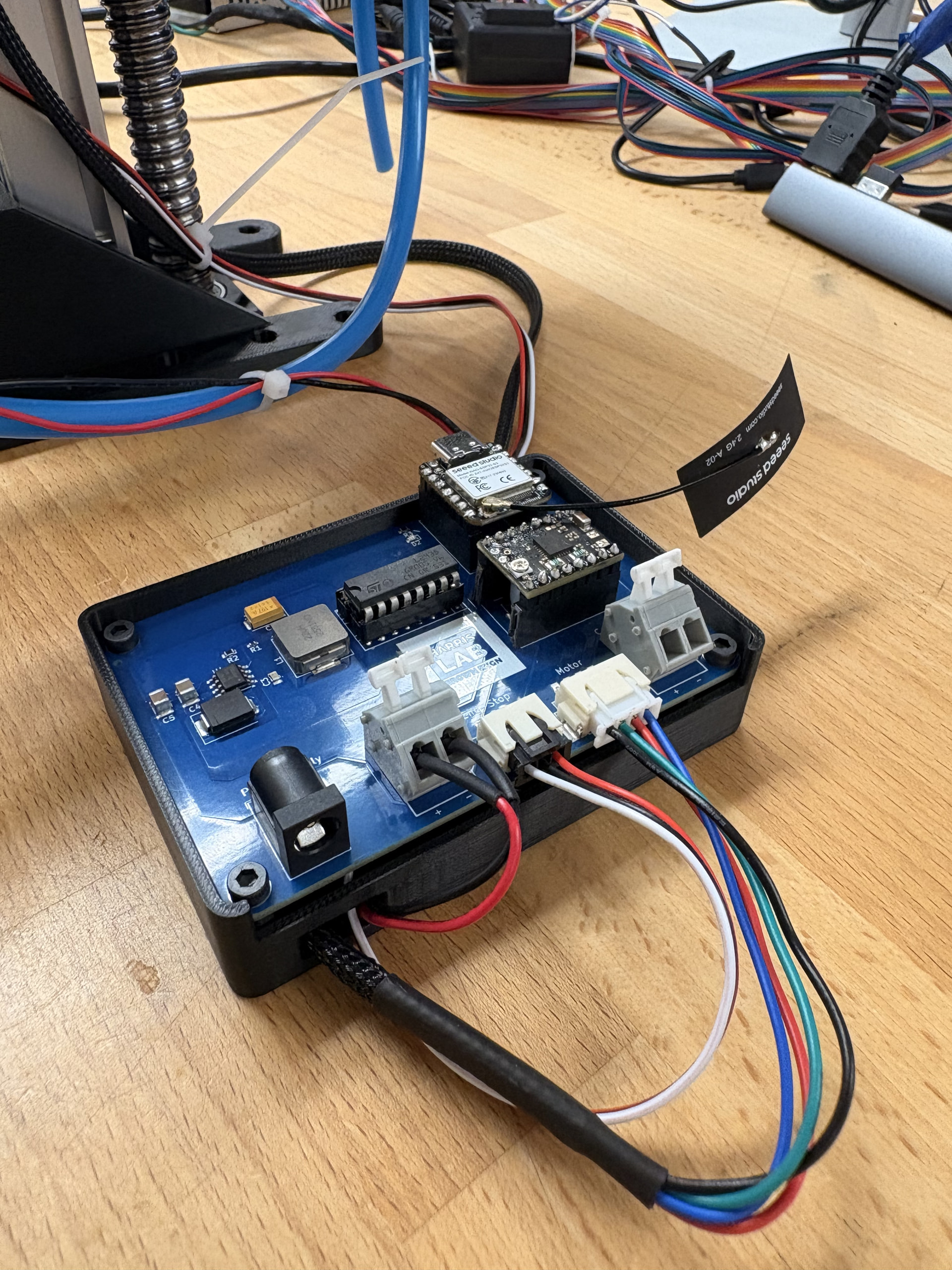
Like I mentioned previously, I ordered my PCB without the C1 aluminum electrolytic capacitor to save on costs when going through JLCPCB. I ordered them separately from DigiKey and soldered them on myself. I also ordered a different DIP socket than the one linked to on the wiki just to I would only have to order from DigiKey.

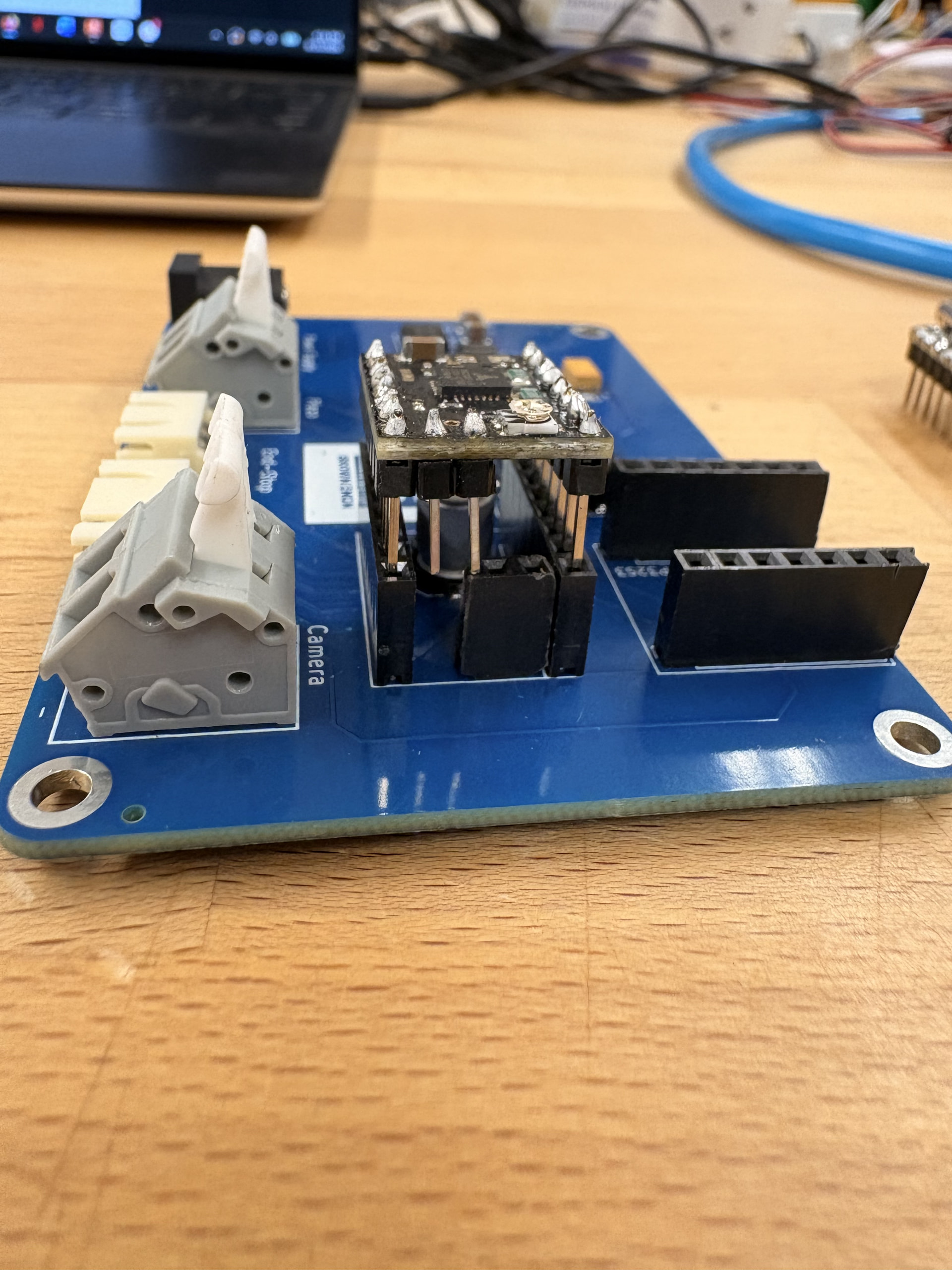
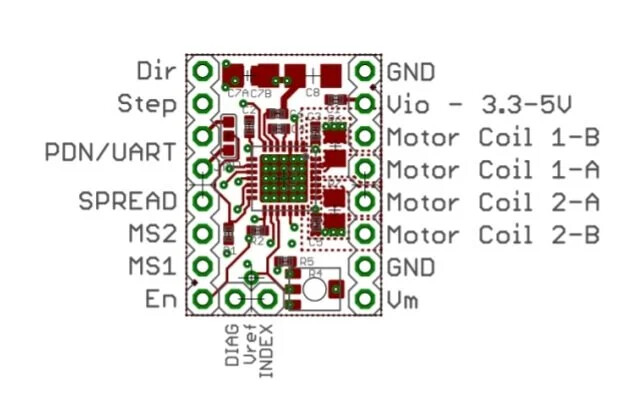
One thing that I caught after soldering the headers was the differences in the driver power management board used in the wiki. The one listed on the BOM is the one I ordered, but a different one is used in the assembly guild wiki. I am not sure which one was used in the photos, but the pin geometry is slightly different that what the PCB is designed for. Here you can see that the two pins on the short edge of the TMC2209 driver board do not lineup with the headers on the PCB. (edit: note that the board pictured is actually flipped 180 degrees according to the pin layout on the pcb).
Luckily the two pins that are not aligned are the INDEX and DIAG pins which are not crucial for basic operation.

After feeding and connecting all the wires to the PCB I felt that the cables were unorganized. I decided to design a PCB housing case that also tucks away the excess cables.

Oh i like their spring terminals, they are nice and big!

Thank you for featuring our lab’s work! This was really exciting to see. We genuinely appreciate the feedback, as the DropGen (and its predecessors) is certainly our most popular hardware project to date. I am not sure about the scope of your work as part of the Replication Team, but if there was interest and capacity in collaborating to improve our documentation based on your findings, please reach out.

1 Like

Thanks Gerrit! :slight_smile:

Once the replication is complete, we send out a written report outlining the process and documentation. You can find our other replication projects here! I will be reaching out in the near future!

1 Like